Info Security Memo
  • Blog
  • Sitemap
    • Categories
  • Contact
  • About
  • Resources
  • Tools
  • 51sec.org

Build Confidence

Focusing on Information Security 

Info Security Notes

Migrate WordPress Site from Ubuntu 16.04 to Ubuntu 18.04 at GCP VM and Cloud DB

10/27/2019

0 Comments

 
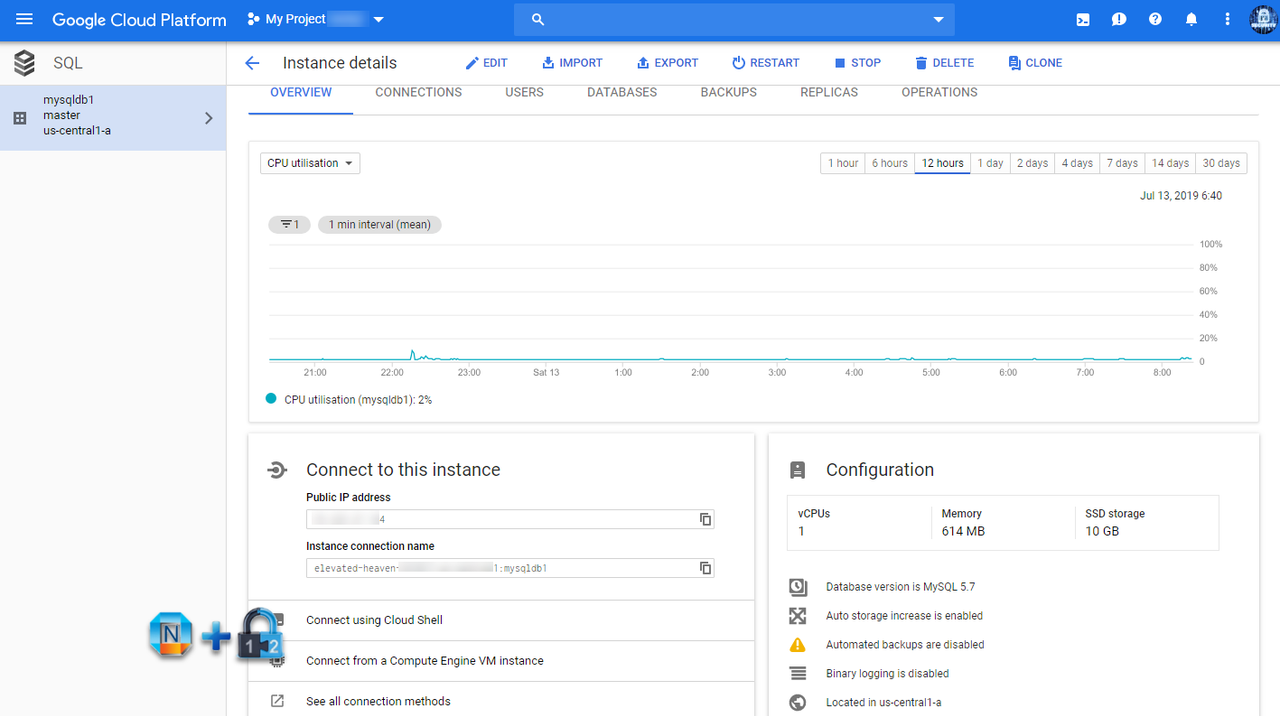
I were using Ubuntu 16.04 as my web server and mysql server for quite a few years. They are all in the same server , either running in a docker container or in a service. For better performance, I decided to separate them to different layer. I am going to use GCP Cloud SQL service as my database layer.



Read More
0 Comments

Google Blogger Usage Tips and Tricks

5/26/2018

0 Comments

 
Here are some collections for bloggers from my blogger experience:
1. Adjust Right Sidebar margin width
2. Add youtube Playlist into blogger
3. Add Third Party Domain
4. Redirect Blogspot Site from One to Another
5. Put images side by side in Blogger's posts without any codes
6. Add a table into Blogger post
7. Add a code section into your post

There are one related post in this blog:
  • Website and Tools for Blogger


Read More
0 Comments

WAMP and Wordpress Install on AWS Free Tier Windows 2012 R2

5/26/2018

0 Comments

 
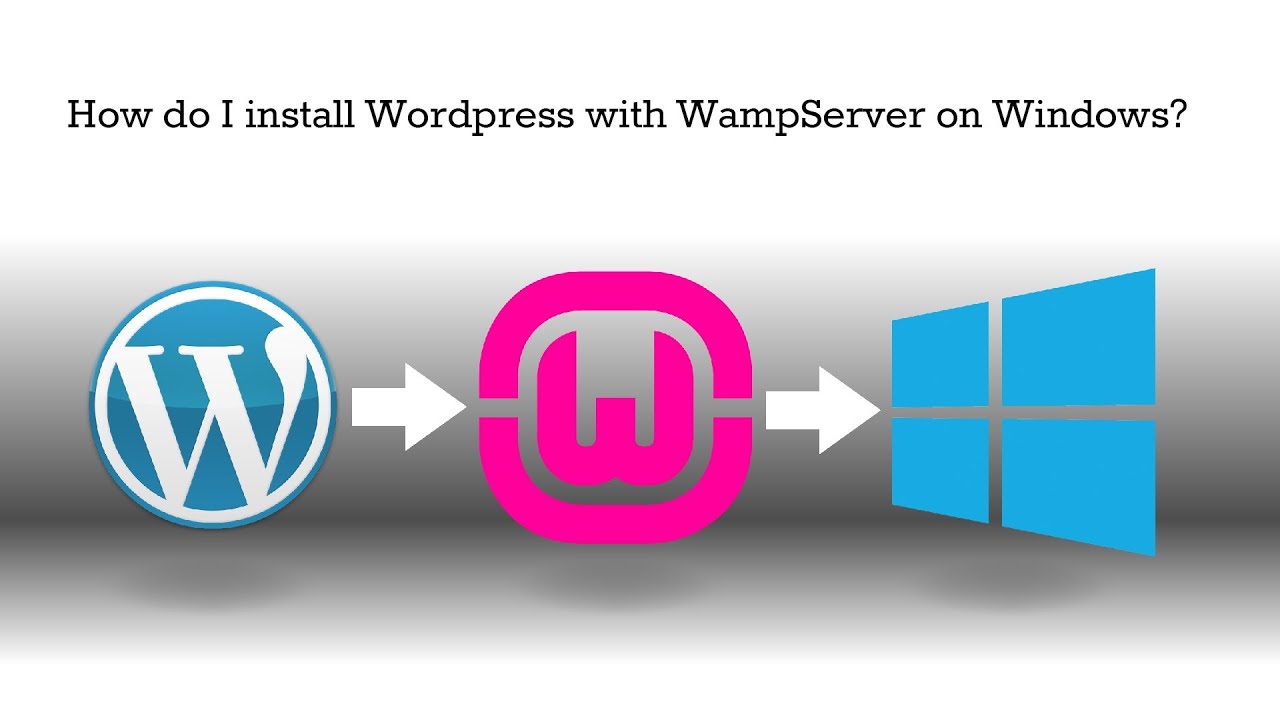
AWS provides a 750 hours free tier on Windows machine. I am always wondering how to install wordpress on it to use this free tier instance . Here is all steps I followed today. Most steps are same as WPMU DEV's post "Setting Up WordPress Locally for PC/Windows with WampServer". I do add some of my own experience in the steps.

Basically WampServer = (Apache, PHP, MySQL on Windows). WAMP is the software suite installed on popular Windows operate system, includes Apache, MySQL, PHP and some other tools. It is derived from LAMP which stands for Linux, Apache, MySQL, and PHP. As the name implies, while LAMP is used on Linux servers, WAMP is used on Windows servers.

Note: Microsoft WebPI is another popular way to install wordpress on Windows server. But truly not recommend. I managed to get it working and eventually still find WAMP is better and easier to use.

For Windows: WAMP and Wordpress Install on AWS Free Tier Windows 2012 R2
For Ubuntu: LAMP and WordPress Installation on Ubuntu


Read More
0 Comments

LAMP and WordPress with HTTPS Certification Cloud Installation on Ubuntu

5/26/2018

0 Comments

 
I have selected Ubuntu as OS platform to install my php, wordpress and mysql. It gave me lots of learning experience on Linux. Here is many steps I recorded during working on my 51sec.org blog site.

For Windows: WAMP and Wordpress Install on AWS Free Tier Windows 2012 R2
For Ubuntu: LAMP and WordPress Installation on Ubuntu

1. Basic Ubuntu Configuration (Not in Cloud)
1.1 Configure Interfaces

Welcome to Ubuntu 15.10 (GNU/Linux 4.2.0-16-generic x86_64)

 * Documentation:  https://help.ubuntu.com/

48 packages can be updated.
37 updates are security updates.

Last login: Sat Feb 13 20:16:03 2016 from 192.168.2.62
john@ubuntu15:~$ cd /etc/network
john@ubuntu15:/etc/network$ sudo vi interfaces
[sudo] password for john: 

# This file describes the network interfaces available on your system
# and how to activate them. For more information, see interfaces(5).

source /etc/network/interfaces.d/*

# The loopback network interface
auto lo
iface lo inet loopback

# The primary network interface -- use DHCP 
auto eth0

iface eth0 inet dhcp

# The secondart network interface -- use static ip address
auto ens160
iface ens160 inet static
address 192.168.2.22
netmask 255.255.255.0
gateway 192.168.2.1
dns-nameserver 8.8.8.8
~

~
john@ubuntu15:/etc/network$sudo /etc/init.d/networking restart


Read More
0 Comments

Troubleshooting WordPress Out of memory on Free Tier AWS Linux Issue

5/26/2018

0 Comments

 
All-In-One WP Migration
Redhat Openshift made a change from Openshift online 2 to online 3. Deadline is end of Sep 2017. My blog www.51sec.org which was hosted at Red Hat Openshift Online 2 environment for last a couple of years has been migrated from Redhat Openshift Platform to AWS Linux Free Tier a couple of days ago before deadline. At the beginning, migration process was easy and smooth since I am keeping same domain 51sec.org.

Also Wordpress plug-in "All-in-One WP Migration" helped a lot during this process. Whole blog was exported to a 120M package. Unfortunately I still got a problem when access www.51sec.org site later which is running on AWS Linux instance.


Read More
0 Comments

Add a Read More button to Popular Blog Platforms

1/12/2017

0 Comments

 
Having a read-more option in the posts can highly encourage  readers’ click-throughs and help you track your most popular entries. Adding read-more button is more than easy, this tutor post will show you how to Insert Read More Option on those popular blog websites such as Blogger, Tumblr, Weebly and WordPress.

1. Blogger


<!--more-->


Read More
0 Comments

Wordpress Attitude Theme Menu Bar Customize

1/12/2017

0 Comments

 
Attitude Theme has been used for my Wordpress site http://51sec.org. It is powerful and simple to use.

here are some introduction about this theme from its website:

"Attitude is a Simple, Clean and Responsive Retina Ready WordPress Theme which adapts automatically to your tablets and mobile devices. Theme is easily customizable with numerous theme options via Customize. Some of the highlighted options are two site layout (Narrow and Wide), 5 layouts for every post/page, 5 Page Templates, 5 widget areas, 4 custom widgets, featured slider to highlight your post/page, 11 social icons and many more. Also has custom background, header, menu, favicon, CSS, webclip icon, and logo. Supports popular plugins like Breadcrumb NavXT, WP-PageNavi and Contact Form 7. It is also translation ready. Available Translation: Traditional Chinese (Taiwan), Spanish, Norwegian (Nynorsk), German, Russian, Dutch, Italian and Danish. Get free support on http://themehorse.com/support-forum/"

In original theme, the menu bar was not placed in the right place I would like to. It located between site site logon and header image. I figured out to use some simple CSS codes to manipulate it.


Read More
0 Comments

Add “Related Links” Widgets for Your Websites and Blogs

1/1/2017

0 Comments

 
The related posts are picked from your existing posts which has similar contents/labels/categories/tags. Some online services provide free widgets to show those related stories from your blog archive.It can under your post , or show at bottom of pages. Here are some popular websites to provide this free widget.
1. Addthis
AddThis is a social sharing tool that appears on a lot of websites. It is often displayed as a "share" button that expands to show a vast array of sharing options. Add this quickly allowed webmasters to add sharing features to their websites that fit well with the design and layout and didn't cost a ton of custom coding. The email updates from Addthis whenever there is a traffic spike on a certain page on the site or there is spike on sharing.
Addthis provides: .
  • Share Buttons
  • Follow Buttons
  • Related Posts
  • List Building
  • Link Promotion


Read More
0 Comments

Use Godaddy Domain with Openshift Apps

12/2/2016

0 Comments

 
I have been using Openshift  to host my WordPress website www.51sec.org for a while. Domain 51sec.org was registered at GoDaddy and I was struggled with plain domain or naked domain 51sec.org not corrected pointing to my openshift App, although www.51sec.org is always working fine. Eventually after googled from Internet, I understood why and made it working . There are two different solutions, one is to use cloudflare domain services which is using flatten domain feature to achieve it. Another way is to configure Godaddy domain properly with forwarding option. Here are all steps for Godaddy configuration.


1. Openshift APP Alias Configuration

Open you openshift APP. Add www.51sec.org as your only Alias for this app.


Read More
0 Comments

Different Ways to Create a Sitemap Page or Table of Contents Page for Blogger

12/2/2016

0 Comments

 
There are a couple ways to do it but many codes were using a .js file stored on google drive which is not working since early of 2016.

I have moved some .js code file to GITHUB and here are some codes and screenshots for my blog http://91sec.blogspot.com.

1. Tabbed Sitemap Page

Demo page is here.


Read More
0 Comments
<<Previous

    Categories

    All
    Architecture
    Blog
    Checkpoint
    Cisco
    Cloud
    CyberArk
    F5
    Fortigate
    Guardium
    Juniper
    Linux
    Network
    Others
    Palo Alto
    Qualys
    Raspberry Pi
    Security
    SIEM
    Software
    Vmware
    VPN
    Wireless

    Archives

    March 2024
    February 2024
    January 2024
    December 2023
    November 2023
    October 2023
    September 2023
    August 2023
    July 2023
    June 2023
    May 2023
    April 2023
    March 2023
    February 2023
    January 2023
    December 2022
    November 2022
    October 2022
    September 2022
    August 2022
    July 2022
    June 2022
    May 2022
    April 2022
    March 2022
    February 2022
    January 2022
    December 2021
    November 2021
    October 2021
    September 2021
    August 2021
    July 2021
    June 2021
    May 2021
    April 2021
    March 2021
    February 2021
    January 2021
    December 2020
    November 2020
    October 2020
    September 2020
    August 2020
    July 2020
    October 2019
    September 2019
    June 2019
    July 2018
    May 2018
    December 2017
    August 2017
    April 2017
    March 2017
    January 2017
    December 2016
    November 2016
    October 2016
    September 2016
    August 2016
    July 2016
    June 2016
    May 2016
    April 2016
    March 2016
    February 2016
    January 2016
    December 2015
    November 2015
    October 2015
    September 2015
    August 2015
    July 2015
    June 2015
    May 2015
    April 2015
    March 2015

    Print Page:

    RSS Feed

    Email Subscribe
Powered by Create your own unique website with customizable templates.
  • Blog
  • Sitemap
    • Categories
  • Contact
  • About
  • Resources
  • Tools
  • 51sec.org