Info Security Memo
  • Blog
  • Sitemap
    • Categories
  • Contact
  • About
  • Resources
  • Tools
  • 51sec.org

Build Confidence

Focusing on Information Security 

Info Security Notes

Ubuntu Basic System and Service Configuration Commands

10/27/2019

0 Comments


1. Update / Upgrade Commands
  • sudo apt-get update : In a nutshell, apt-get update doesn't actually install new versions of software. Instead, it updates the package lists for upgrades for packages that need upgrading, as well as new packages that have just come to the repositories.
  • sudo apt-get upgrade : will fetch new versions of packages existing on the machine if APT knows about these new versions by way of apt-get update. An update must be performed first so that apt-get knows that new versions of packages are available.
  • sudo apt-get dist-upgrade: will do the same job which is done by apt-get upgrade, plus it will also intelligently handle the dependencies, so it might remove obsolete packages or add new ones. 

Note: we can combine commands with && signs, such as:
  • sudo apt-get update && sudo apt-get dist-upgrade

Read More
0 Comments

IBM Guardium Installation and Upgrade

10/27/2019

0 Comments


Basic Installation 

The IBM Guardium V10.1 Software Appliance Technical Requirements can be found here: http://ibm.co/2gd5ZRq.  Additional installation detail can be found here: http://ibm.co/2h0exMw.


Read More
0 Comments

IBM Guardium: Create an Alert / Policy / Classification

10/27/2019

0 Comments

 
An alert is a message indicating that an exception or policy rule violation was detected.
Alerts are triggered in two ways:
  • A correlation alert is triggered by a query that looks back over a specified time period to determine if alert threshold has been met. The Guardium Anomaly Detection Engine runs correlation queries on a scheduled basis. By default, correlation alerts do not log policy violations, but they can be configured to do that.
  • A real-time alert is triggered by a security policy rule. The Guardium Inspection Engine component runs the security policy as it collects and analyzes database traffic in real time.


Read More
0 Comments

Find Website Real IP by Bypassing CDN

10/27/2019

0 Comments


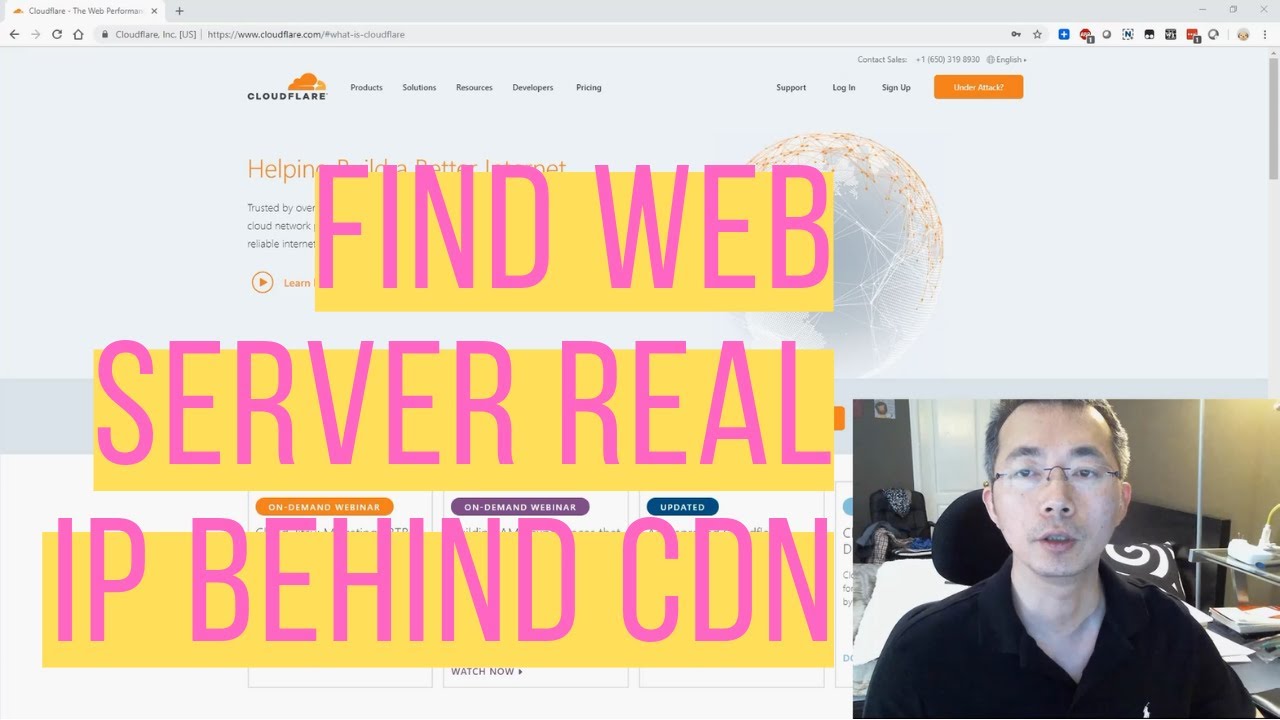
There are more and more websites using CDN (Content Delivery Network) to help deliver their contents to end users. It is faster, safer and more reliable. At the same time, CDN such as cloudflare company hides your real ip behind their public ip. Is there a way we can bypassing CDN and find out those websites' real ip addresses.

I found following a couple of websites can help you do that.


Read More
0 Comments

IBM Guardium: Configure a Database Vulnerability Assessment

10/27/2019

0 Comments


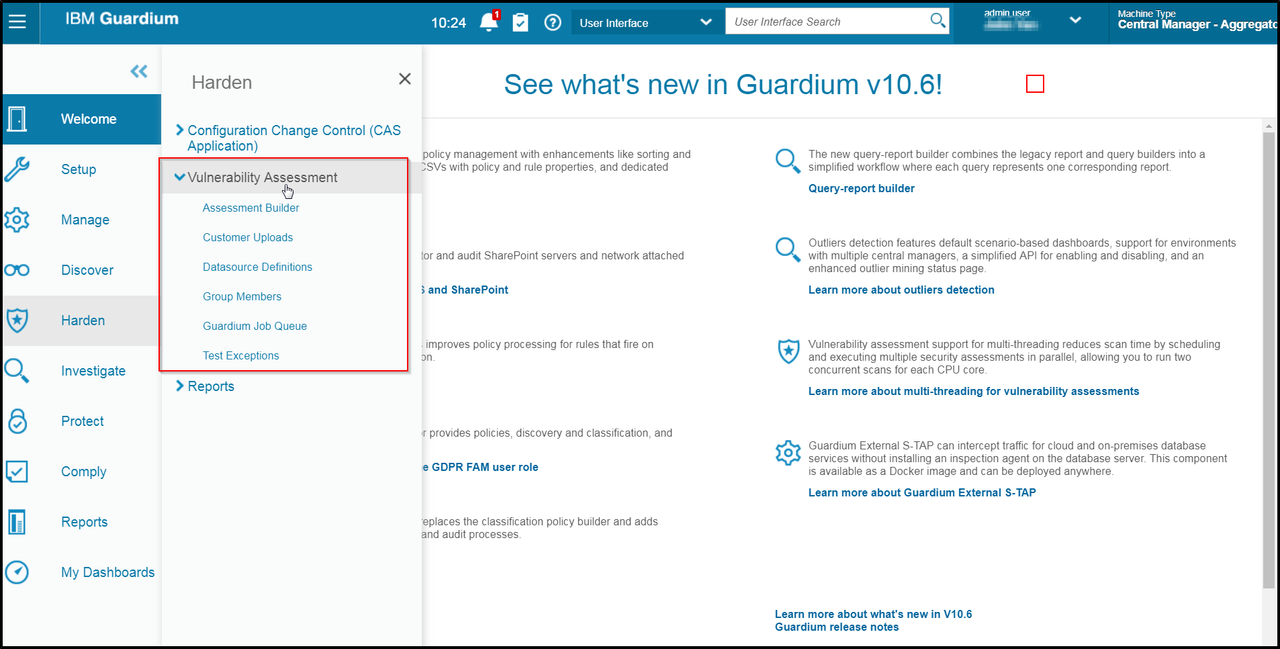
This post is to record steps how to configure IBM Guardium to do  Vulnerability Assessment. In next couple of posts, I will write more about how to use Guardium to complete some basic task, just like this one. Please keep tuned.

Let me get it started now.


Read More
0 Comments

Running WordPress in the Docker of AWS EC2 Instance

10/27/2019

0 Comments

 
Docker is a technology that allows you to build, run, test, and deploy distributed applications that are based on Linux containers. Docker is already available on many different operating systems, including most modern Linux distributions, like Ubuntu, and even Mac OSX and Windows.If you are using Amazon EC2 already, you can launch an instance and install Docker to get started.

Youtube Video:


Read More
0 Comments

Migrate WordPress Site from Ubuntu 16.04 to Ubuntu 18.04 at GCP VM and Cloud DB

10/27/2019

0 Comments

 
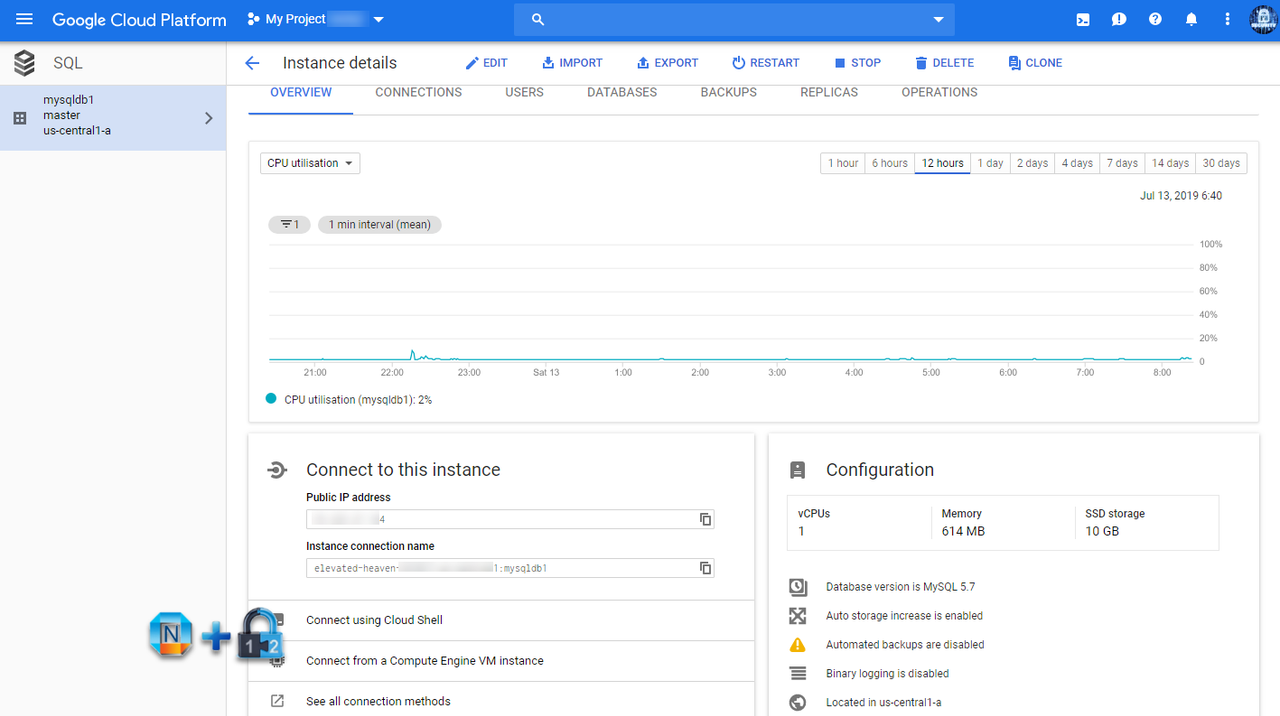
I were using Ubuntu 16.04 as my web server and mysql server for quite a few years. They are all in the same server , either running in a docker container or in a service. For better performance, I decided to separate them to different layer. I am going to use GCP Cloud SQL service as my database layer.


Read More
0 Comments

Cyber Security TRA (Threat and Risk Assessment) Resources Research

10/27/2019

0 Comments


What is Risk:
Risk = Threat x Vulnerability x Asset

The enterprise risk assessment and enterprise risk management processes comprise the heart of the information security framework. These are the processes that establish the rules and guidelines of the security policy while transforming the objectives of an information security framework into specific plans for the implementation of key controls and mechanisms that minimize threats and vulnerabilities. Each part of the technology infrastructure should be assessed for its risk profile. From that assessment, a determination should be made to effectively and efficiently allocate the organization’s time and money toward achieving the most appropriate and best employed overall security policies. The process of performing such a risk assessment can be quite complex and should take into account secondary and other effects of action (or inaction) when deciding how to address security for the various IT resources.


Read More
0 Comments

Symantec ATP (Advance Threat Protection) EDR Configuration Notes

10/27/2019

0 Comments

 
I am working on Symantec ATP , which new name is EDR. Here lists some of experience I learned from this set up. It is still updating.


YouTube Video:


Read More
0 Comments

How to Enable Root Account and Enable Username/password Access in GCP

10/27/2019

0 Comments


By default, Google Compute Engine offers the browser-based Google Cloud Platform Console tool that lets you manage your Google Compute Engine resources through a graphical interface. Use the GCP Console to manage your resources if you prefer using a user-interface through the browser.

In the GCP documentation setting up ssh keys  which shows how to set up your own ssh key to access all your virtual machines in GCP. here's the summary of steps:
  1. Generate your keys using ssh-keygen or PuTTYgen for Windows, if you haven't already.
  2. Copy the contents of your public key. If you just generated this key, it can probably be found in a file named id_rsa.pub.
  3. Log in to the Developers Console.
  4. In the navigation, Compute->Compute Engine->Metadata.
  5. Click the SSH Keys tab.
  6. Click the Edit button.
  7. In the empty input box at the bottom of the list, enter the corresponding public key, in the following format: 

    <protocol> <public-key> [email protected] 

    This makes your public key automatically available to all of your instances in that project. To add multiple keys, list each key on a new line.
  8. Click Done to save your changes. 

    It can take several minutes before the key is inserted into the instance. Try connecting with ssh to your instance. If it is successful, your key has been propagated to the instance.


Read More
0 Comments
<<Previous

    Categories

    All
    Architecture
    Blog
    Checkpoint
    Cisco
    Cloud
    CyberArk
    F5
    Fortigate
    Guardium
    Juniper
    Linux
    Network
    Others
    Palo Alto
    Qualys
    Raspberry Pi
    Security
    SIEM
    Software
    Vmware
    VPN
    Wireless

    Archives

    March 2024
    February 2024
    January 2024
    December 2023
    November 2023
    October 2023
    September 2023
    August 2023
    July 2023
    June 2023
    May 2023
    April 2023
    March 2023
    February 2023
    January 2023
    December 2022
    November 2022
    October 2022
    September 2022
    August 2022
    July 2022
    June 2022
    May 2022
    April 2022
    March 2022
    February 2022
    January 2022
    December 2021
    November 2021
    October 2021
    September 2021
    August 2021
    July 2021
    June 2021
    May 2021
    April 2021
    March 2021
    February 2021
    January 2021
    December 2020
    November 2020
    October 2020
    September 2020
    August 2020
    July 2020
    October 2019
    September 2019
    June 2019
    July 2018
    May 2018
    December 2017
    August 2017
    April 2017
    March 2017
    January 2017
    December 2016
    November 2016
    October 2016
    September 2016
    August 2016
    July 2016
    June 2016
    May 2016
    April 2016
    March 2016
    February 2016
    January 2016
    December 2015
    November 2015
    October 2015
    September 2015
    August 2015
    July 2015
    June 2015
    May 2015
    April 2015
    March 2015

    Print Page:

    RSS Feed

    Email Subscribe
Powered by Create your own unique website with customizable templates.
  • Blog
  • Sitemap
    • Categories
  • Contact
  • About
  • Resources
  • Tools
  • 51sec.org