
Nessus is built from the ground-up with a deep understanding of how security practitioners work. Every feature in Nessus is designed to make vulnerability assessment simple, easy and intuitive. The result: less time and effort to assess, prioritize and remediate issues.
Features
Nessus Essentials is designed to be used by students, professors and people who are starting their cybersecurity careers to help the next generation to quickly and easily master vulnerability assessment and hone their skills. Every feature makes vulnerability assessment simple, easy and intuitive. With Nessus, you’ll spend less time and effort assessing, prioritizing and remediating vulnerabilities so you can stay one step ahead of attackers.Nessus Essentials does not allow you to perform compliance checks or content audits, Live Results or use the Nessus virtual appliance.
- Unlimited IT assessments
- Use anywhere
- Configuration assessment
- Live results
- Configurable reports
- Community support
- Advanced support (available as an option)
- On-demand training available
External Attack Surface ScanningAbility to add domainsScan Cloud Infrastructure500 prebuilt scanning policies
- https://greenbone.github.io/docs/latest/
- https://app.greenbone.cloud/ui/extern/register/free
Register for an Activation Code
Dwonload and Installation
- Navigate to the folder where you downloaded the Nessus installer.
- Next, double-click the file name to start the installation process.
Complete the Windows InstallShield Wizard
- First, the Welcome to the InstallShield Wizard for Tenable, Inc. Nessus screen appears. Select Next to continue.
- On the License Agreement screen, read the terms of the Tenable, Inc. Nessus software license and subscription agreement.
- Select the I accept the terms of the license agreement option, and then click Next.
- On the Destination Folder screen, select the Next button to accept the default installation folder. Otherwise, select the Change button to install Nessus to a different folder.
- On the Ready to Install the Program screen, select the Install button.
The Installing Tenable, Inc. Nessus screen appears and a Status indication bar shows the installation progress. The process may take several minutes.
After the InstallShield Wizard completes, the Welcome to Nessus page loads in your default browser.
Configure Nessus
When you access Nessus in a browser, a warning appears to regard a connection privacy problem, an untrusted site, an unsecure connection, or a related security certificate issue. This is normal behavior. Nessus provides a self-signed SSL certificate.-
On the Welcome to Nessus screen, select how you want to install Nessus:
- Nessus Essentials — The free version of Nessus for educators, students, and hobbyists.
- Nessus Professional — The de-facto industry standard vulnerability assessment solution for security practitioners.
- Nessus Expert — The industry leading vulnerability assessment solution for the modern attack surface.
- Nessus Manager — The enterprise solution for managing Nessus Agents at scale.
-
Click Continue.
If you selected Nessus Professional, Nessus Expert, or Nessus Manager, the Register Nessus screen appears.
If you selected Nessus Essentials, the Get an activation code screen appears.
-
If you selected Nessus Essentials, do one of the following:
- If you need an activation code:
- On the Get an activation code screen, type your name and email address.
- Click Email.
- Check your email for your free activation code.
- If you already have an activation code, click Skip.
- If you need an activation code:
-
On the Register Nessus screen, type your Activation Code.
The Activation Code is the code you obtained from your activation email or from the Tenable Downloads Page.
-
Click Continue.
The Create a user account screen appears.
- Create a Nessus administrator user account that you use to log in to Nessus:
- In the Username box, enter a username.
-
In the Password box, enter a password for the user account.
Note: Passwords cannot contain Unicode characters.
-
Click Submit.
Nessus finishes the configuration process, which may take several minutes.
-
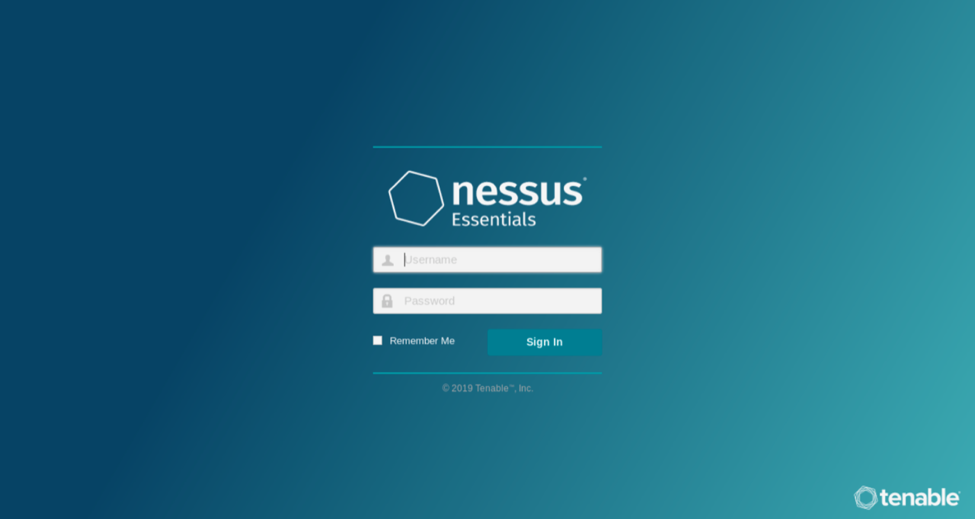
Using the administrator user account you created, Sign In to Nessus.
Note: When you sign in to Nessus for the first time, you receive the following message: "Plugins are compiling. Nessus functionality will be limited until compilation is complete." You cannot create scans, view policies or plugin rules, or use the upgrade assistant while Nessus compiles plugins.
Others
GCE 6.0.10:- Download Greenbone Community Edition - gsm-ce-6.0.10.iso
- Installation Guide: https://infosecindustries.com/downloads/GCE-Instructions-for-Installation.pdf
Videos
via Blogger http://blog.51sec.org/2022/11/register-free-nessus-scanner-essentials.html
November 22, 2022 at 10:39PM Threat Hunting

 RSS Feed
