
One of my test machines which I am using to download and test software from Internet was hit by Ransomware recently.
Check out what it did to my machine.
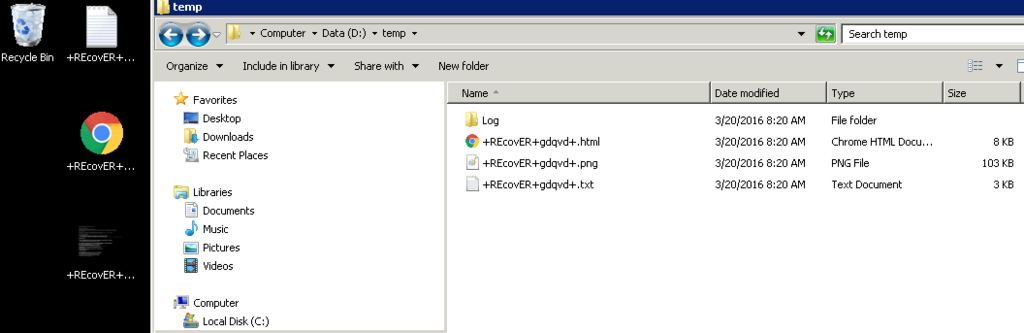
In most computer folders including c driver and d driver, even on the desktop, there are three following files which obviously is from hackers who is asking for money to decrypt your files.:
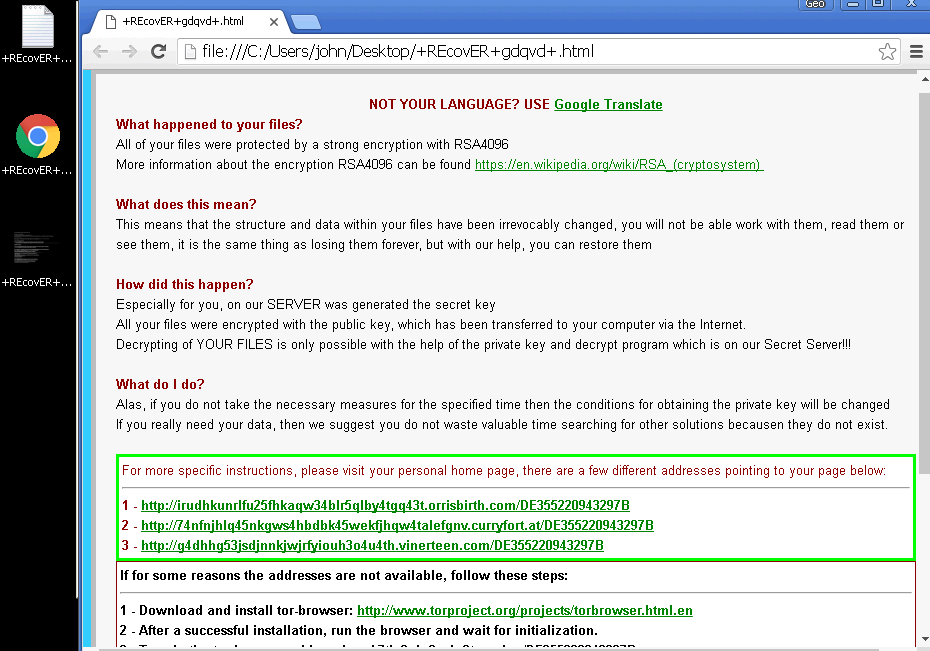
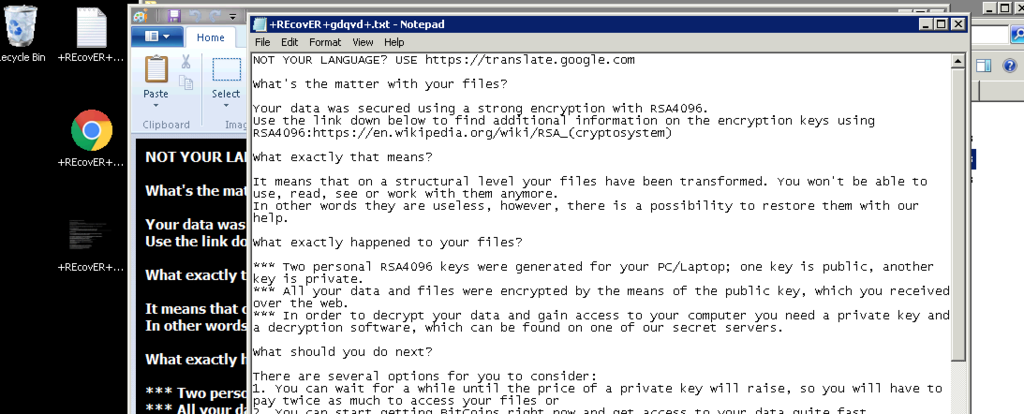
Here is full content from txt file +REcovER+gdqvd+.txt
"
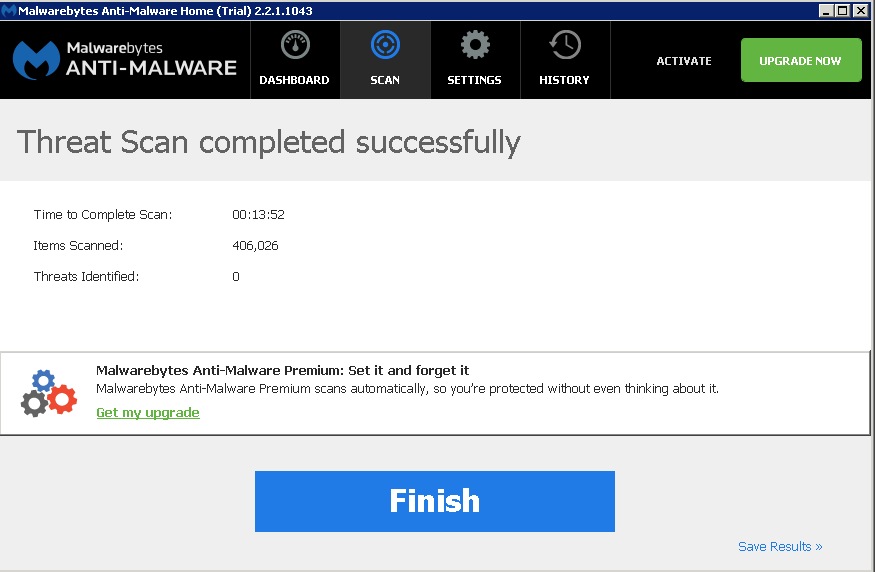
Based on suggestion from google search result listing in my reference link, I downloaded Malwarebytes Anti-Malware to have it a try. After a simple click to install software, a threat scan completed in less than 10 minutes and found 11 potential threats which includes Trojan.Crypt malware under my documents folder.
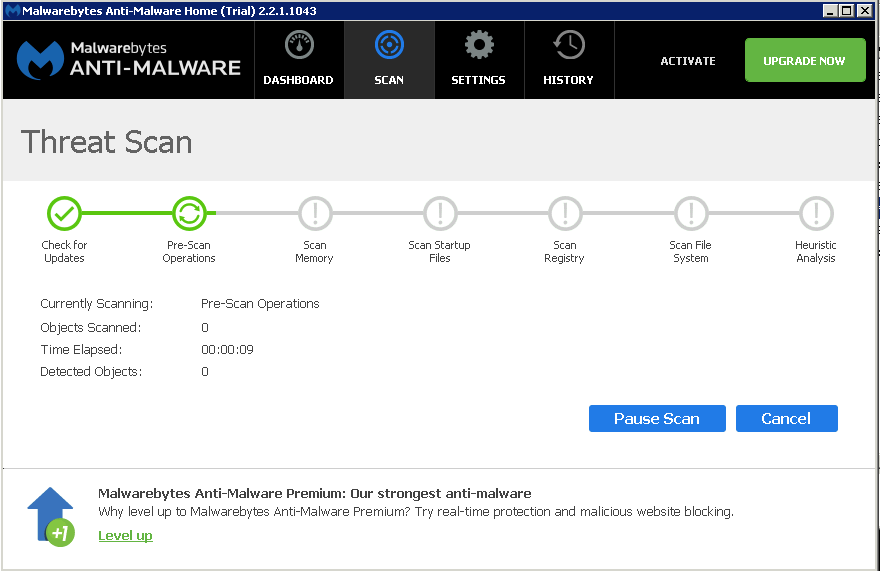
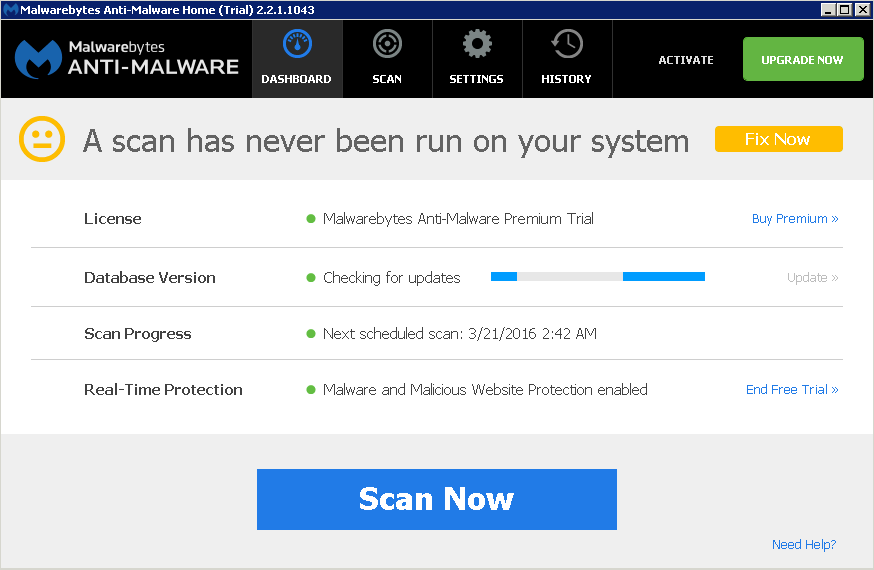
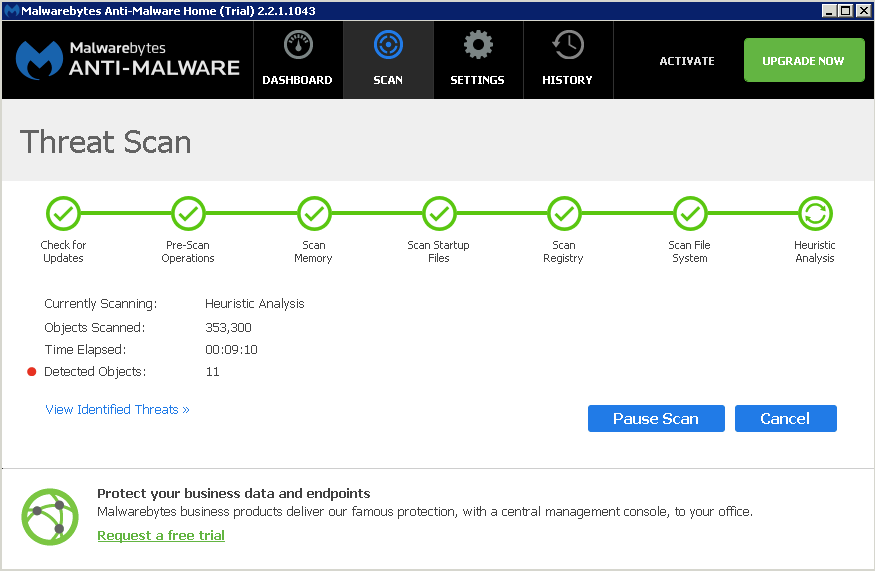
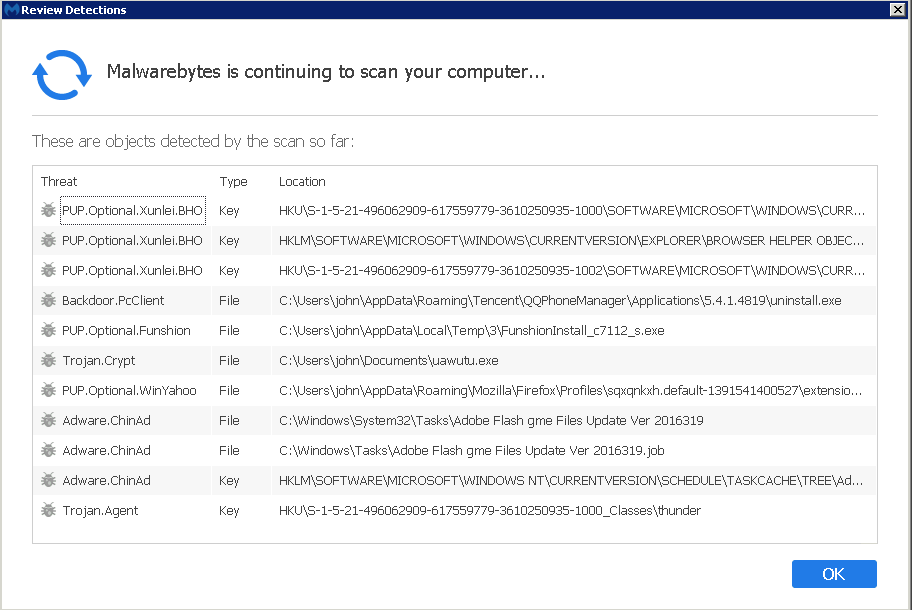
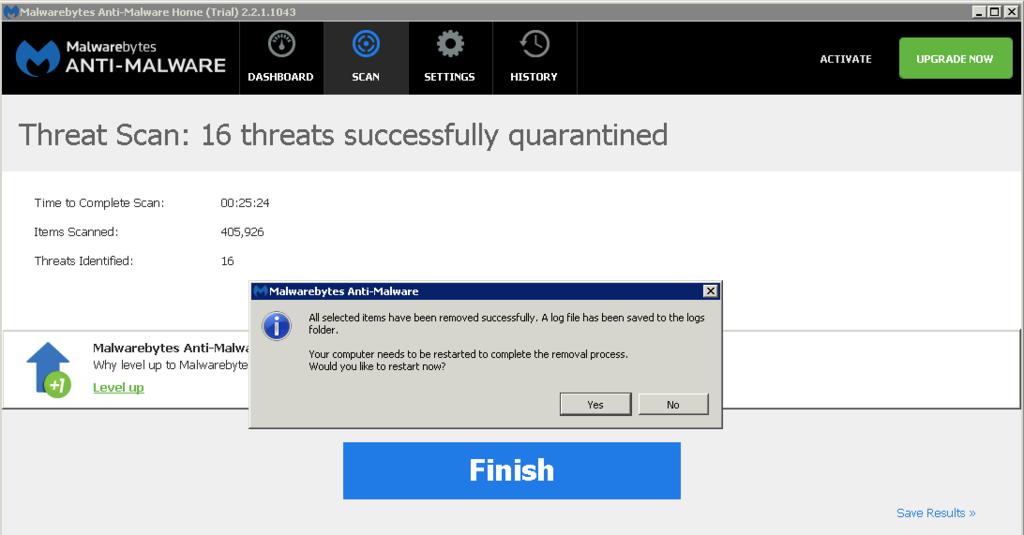
After a reboot, a follow up scanning will make sure your compute is clean:
Reference:
Remove “Your personal files are encrypted” virus (Guide)
Check out what it did to my machine.
In most computer folders including c driver and d driver, even on the desktop, there are three following files which obviously is from hackers who is asking for money to decrypt your files.:
- +REcovER+gdqvd+.txt
- +REcovER+gdqvd+.html
- +REcovER+gdqvd+.png


Here is full content from txt file +REcovER+gdqvd+.txt
"
NOT YOUR LANGUAGE? USE https://translate.google.com
What's the matter with your files?
Your data was secured using a strong encryption with RSA4096.
Use the link down below to find additional information on the encryption keys using RSA4096:https://en.wikipedia.org/wiki/RSA_(cryptosystem)
What exactly that means?
It means that on a structural level your files have been transformed. You won't be able to use, read, see or work with them anymore.
In other words they are useless, however, there is a possibility to restore them with our help.
What exactly happened to your files?
*** Two personal RSA4096 keys were generated for your PC/Laptop; one key is public, another key is private.
*** All your data and files were encrypted by the means of the public key, which you received over the web.
*** In order to decrypt your data and gain access to your computer you need a private key and a decryption software, which can be found on one of our secret servers.
What should you do next?
There are several options for you to consider:
1. You can wait for a while until the price of a private key will raise, so you will have to pay twice as much to access your files or
2. You can start getting BitCoins right now and get access to your data quite fast.
In case you have valuable files, we advise you to act fast as there is no other option rather than paying in order to get back your data.
In order to obtain specific instructions, please access your personal homepage by choosing one of the few addresses down below:
http://irudhkunrlfu25fhkaqw34blr5qlby4tgq43t.orrisbirth.com/DE355220943297
http://74nfnjhlq45nkgws4hbdbk45wekfjhqw4talefgnv.curryfort.at/DE355220943297
http://g4dhhg53jsdjnnkjwjrfyiouh3o4u4th.vinerteen.com/DE355220943297
If you can't access your personal homepage or the addresses are not working, complete the following steps:
1 Download TOR Browser - http://www.torproject.org/projects/torbrowser.html.en
2 Install TOR Browser
3 Open TOR Browser
4 Insert the following link in the address bar: k7tlx3ghr3m4n2tu.onion/DE355220943297
5 Follow the instructions on your screen
IMPORTANT INFORMATION
Your personal homepages:
http://irudhkunrlfu25fhkaqw34blr5qlby4tgq43t.orrisbirth.com/DE355220943297
http://74nfnjhlq45nkgws4hbdbk45wekfjhqw4talefgnv.curryfort.at/DE355220943297
http://g4dhhg53jsdjnnkjwjrfyiouh3o4u4th.vinerteen.com/DE355220943297
Your personal page Tor-Browser k7tlx3ghr3m4n2tu.onion/DE355220943297"
Your personal identification ID: DE355220943297
Good thing is this computer is only used as a test machine. Nothing lost in this case. I am going to figure out more how to clean it up and post here.


After a reboot, a follow up scanning will make sure your compute is clean:

Reference:
Remove “Your personal files are encrypted” virus (Guide)

 RSS Feed
