
Mac OS is a proprietary operating system that runs on Apple Macs. There are now many techniques you can use to install macOS on your Intel PC (Hackintosh). From Windows, you can use Clover Boot Disk to create macOS Mojave bootable USB with just a few clicks. Another easier way to experience macOS is to install macOS on your Windows VMware Workstation. It is not that hard to install it with some software's help made by those genius.
In this post, I am going to show you the steps how you can quickly and easily to install Mac OS Mojave as your VM in the VMWare Workstation.
Pre-requisites
Three software:
- VMWare Workstation: Download Link: https://www.vmware.com/ca/products/workstation-pro/workstation-pro-evaluation.html
- Unlocker from Github project: DrDonk/unlocker - Download link: https://github.com/DrDonk/unlocker/releases/tag/v3.0.7
- Mac OS:
- Mojave 10.14 : https://drive.google.com/drive/folders/1NncaD1qpJYmMSvTz8vn5oze6Yt7KgkKE
- Big Sur 11.6: https://www.mfpud.com/topics/7544/
Install VMWare Workstation
I believe you must have installed one if you are testing all kinds of system and software. There are a lots of online documentation how to get and install VMWare Workstation. I will skip this part to make this post shorter.Run Unlocker
By default, VMWare Workstation does not support to install Apple Mac OS system. With unlocker program's help, we can have Apple Mac OS X option in your Guest operation system list as show below:
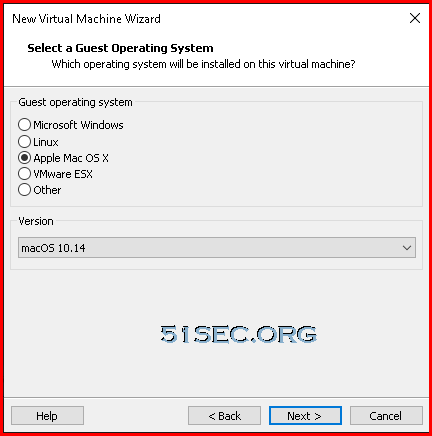
After you downloaded unlocker from https://github.com/DrDonk/unlocker/releases/tag/v3.0.7, unzip it into a folder. Find out that win-install.cmd file, right click and choose "Run as administrator". It will take a couple of minutes to stop all VMWare related services then patch it , also download related VMWare tools for Mac OS system.

Create Mac OS VM
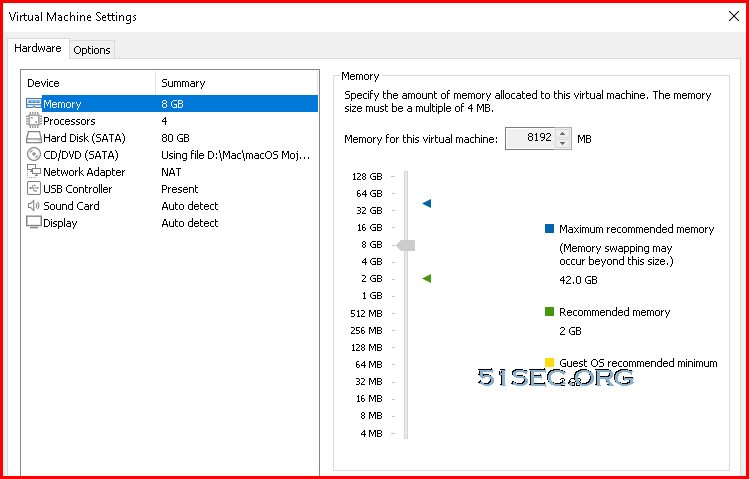
While creating your Mac OS VM, you will need to choose Apple Mac OS X as your guest operating system. In the same page, you will need to choose the right version for it. In my this test, it is macOS 10.14, Mojave.Other VM settings, you can take following screenshot as an example:
Start Mac OS VM
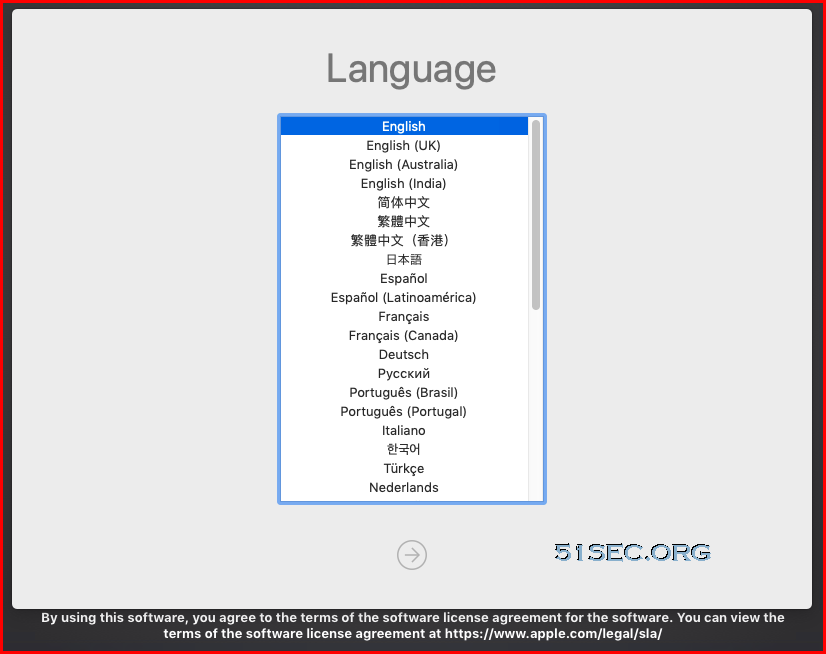
Start VM and you will be booted from the macOS Mojave ISO file. It will give you option to
- choose language for installation wizard
- use macOS Utilities
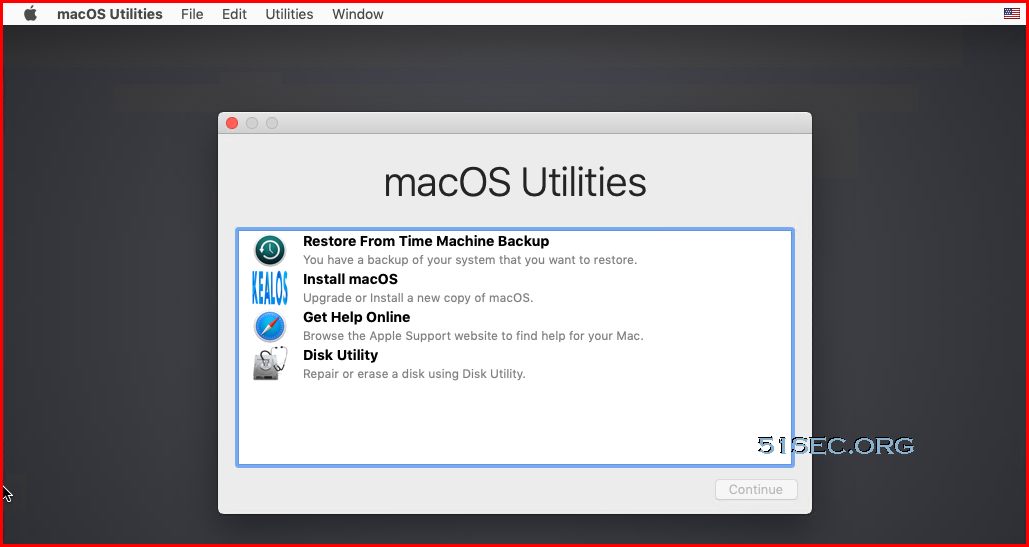
Make sure you erase your current VM disk, which will make your VM disk format as macOS type Mac OS Extended (Journaled) which will be recognized by installation wizard. in the later step.
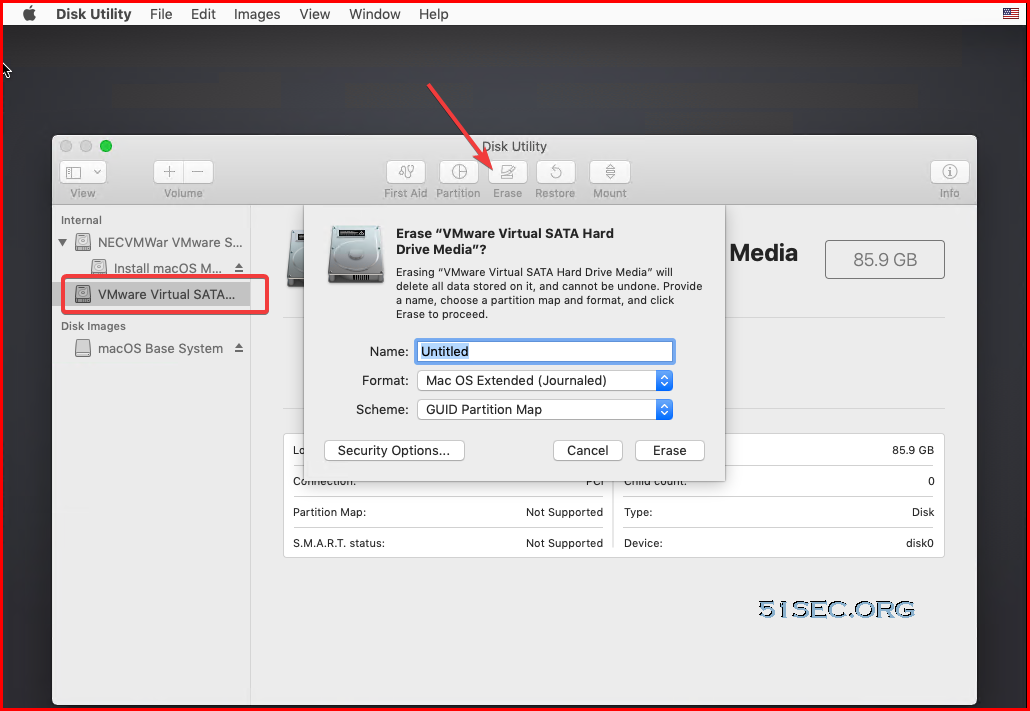
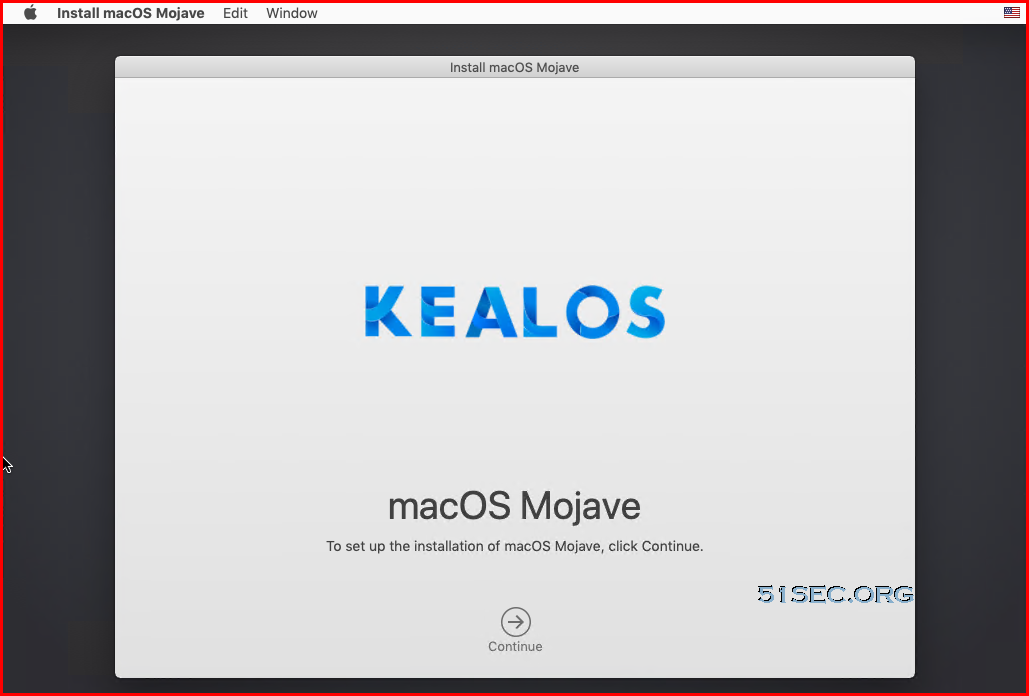
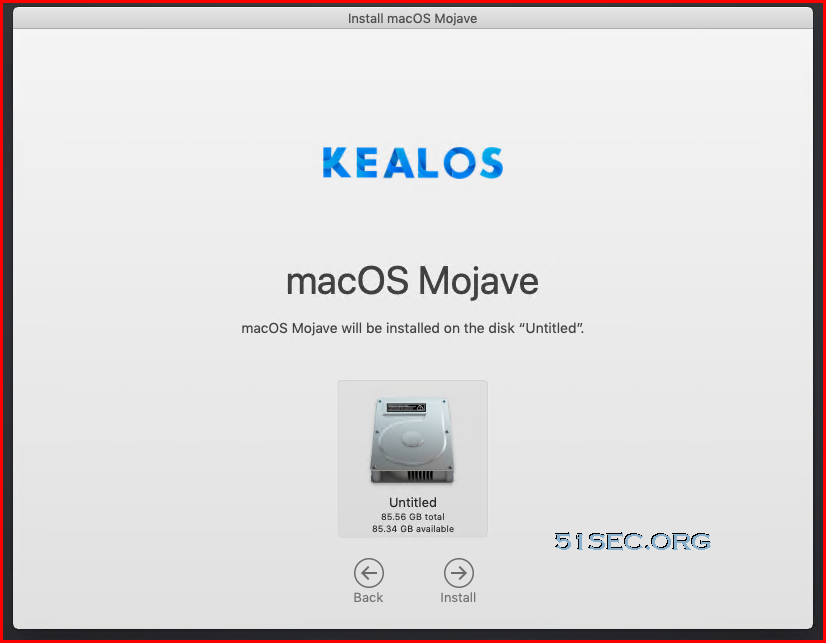
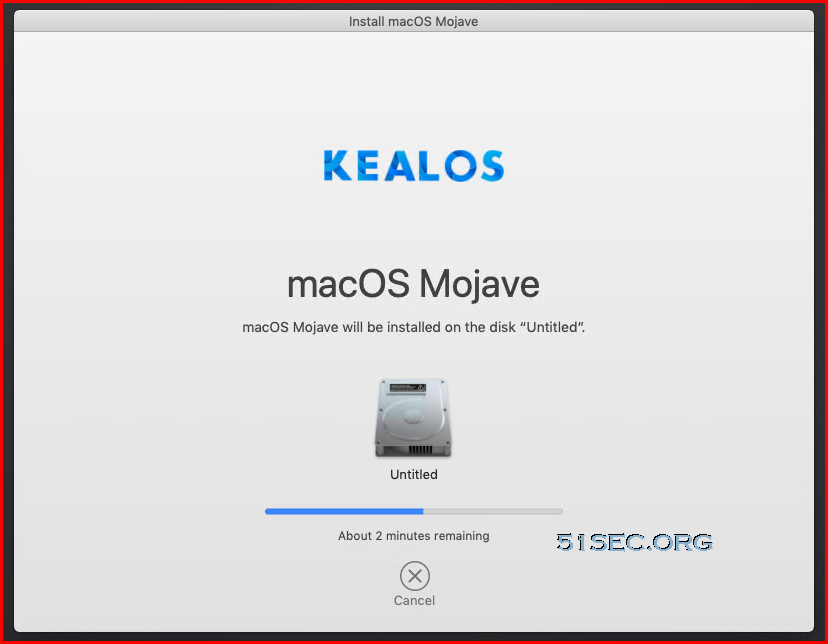
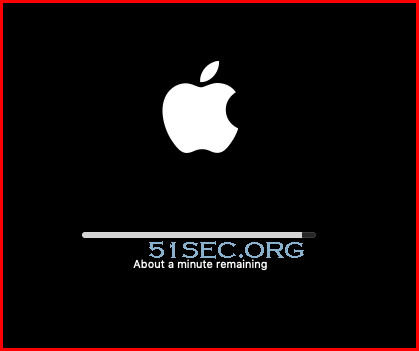
After long time waiting (30 minutes to an hour), you will get following Welcome page:
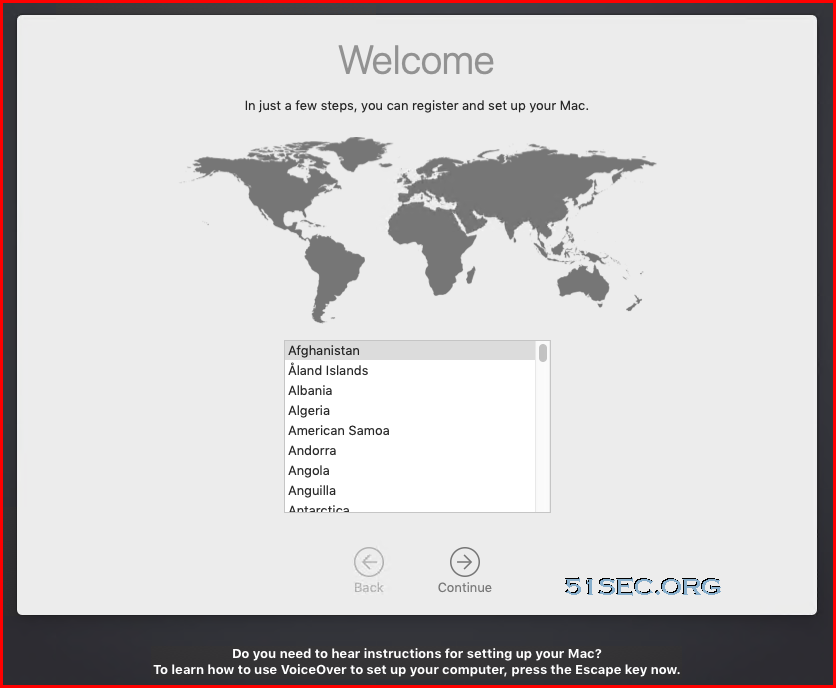
Follow the wizard to choose country, language, ethernet, data&privacy, creating a computer account, express set up, eventually, you will get into system and here is a screenshot of Mac OS X Mojave running in Windows VMWare Workstation:
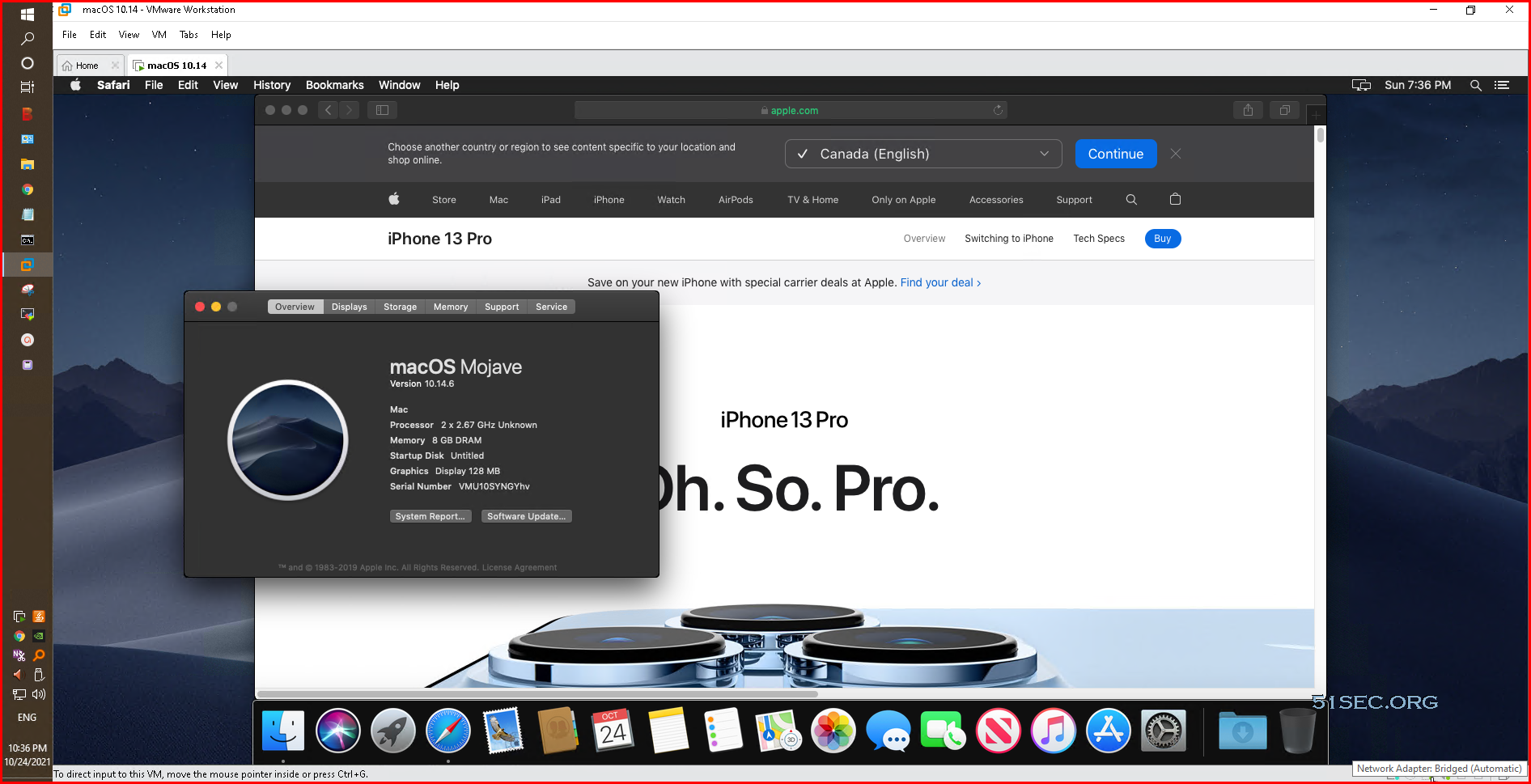
You will need to install VMWare Tools after you ejected the macOS image disk from CDROM. That is a standard VMware tools installation. Installation will take 5-10 minutes to get it done though.
YouTube
Reference
via Blogger http://blog.51sec.org/2021/10/quickest-and-easiest-way-to-install-mac.html
October 24, 2021 at 10:40PM Vmware

 RSS Feed
