
Previous Background Posts for JunOS Space
Junos Space Security Director (previously known as Security Design) is an application on the Junos Space platform, which manages Networks SRX Series Services Gateways.
It helps administrators quickly manage all phases of security policy life cycle for stateful firewall, security intelligence (leveraging threat feeds from Spotlight Secure cloud for protection against Web application attacks, command and control related threats, botnets, and local data feeds), unified threat management (UTM), intrusion prevention system (IPS), AppFW, VPN, and Network Address Translation (NAT).
Junos Space is Juniper’s comprehensive network management solution that simplifies and automates management of Juniper’s switching, routing, and security devices. It includs:
In this instruction post, Junos Space Security Director will be added into JunOS Space Network Management Platform installed in previous post. It will be used to manage one vSRX, which also installed in prevous post.
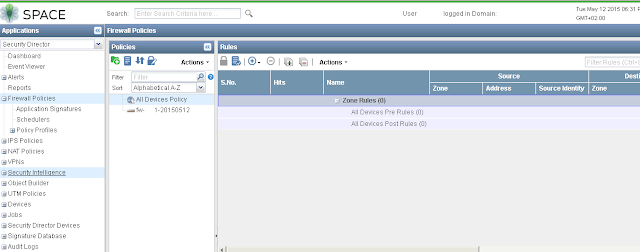
5.1 Import vSRX policy
5.2 Change Policy
5.3 Publish and Update
- Juniper vSRX Firewall (Firefly Perimeter) installation in ESXi and Managed by JunOS Space
- Install JUNOS Space Virtual Appliance at ESXi 5.5
Junos Space Security Director (previously known as Security Design) is an application on the Junos Space platform, which manages Networks SRX Series Services Gateways.
It helps administrators quickly manage all phases of security policy life cycle for stateful firewall, security intelligence (leveraging threat feeds from Spotlight Secure cloud for protection against Web application attacks, command and control related threats, botnets, and local data feeds), unified threat management (UTM), intrusion prevention system (IPS), AppFW, VPN, and Network Address Translation (NAT).
Junos Space is Juniper’s comprehensive network management solution that simplifies and automates management of Juniper’s switching, routing, and security devices. It includs:
- Junos Space Network Management Platform
- Junos Space Content Director (aka Media Flow Activate)
- Junos Space Cloud CPE Selfcare Application
- Junos Space Network Director
- Junos Space Security Director
- Junos Space Services Activation Director
- Junos Space Virtual Director
- Junos Space Service Now/Service Insight
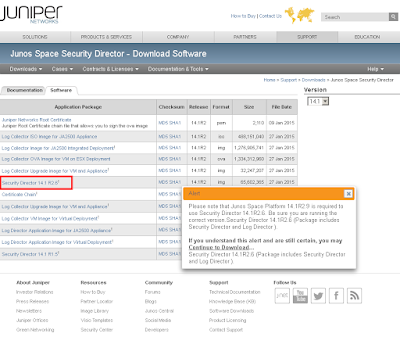
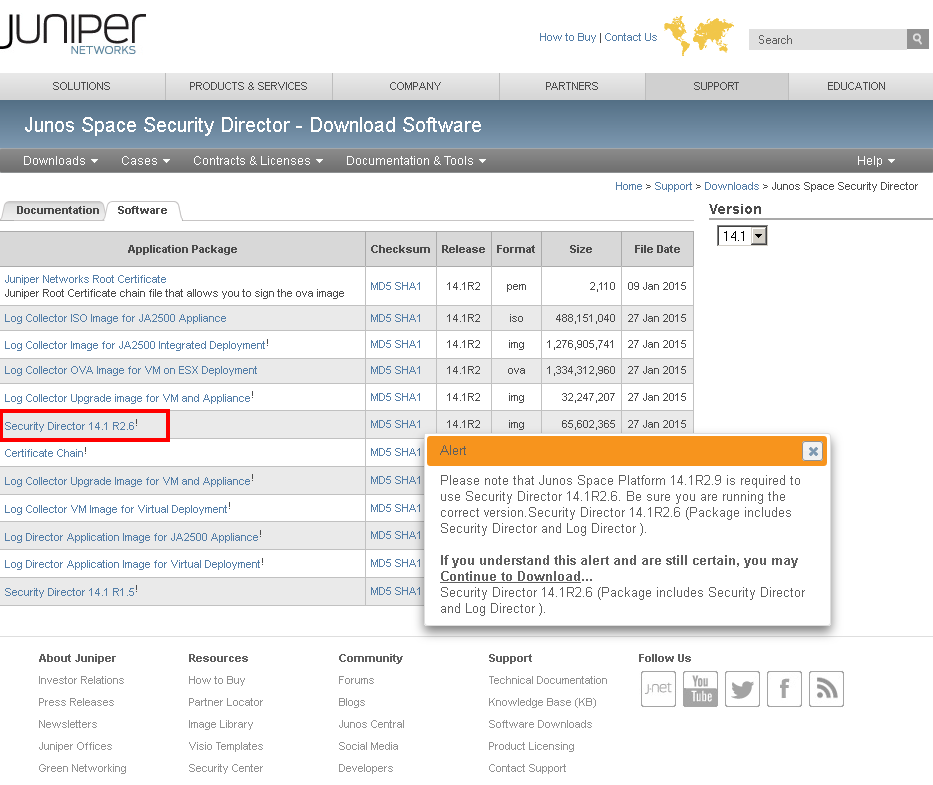
1. Download Security Director installation image for JunOS Space.
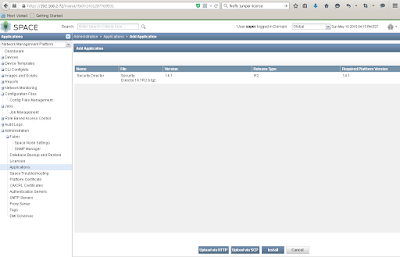
2. Add it into Administration - Applications

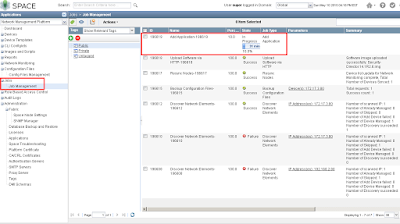
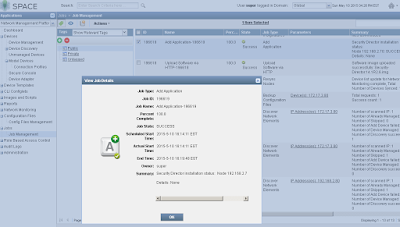
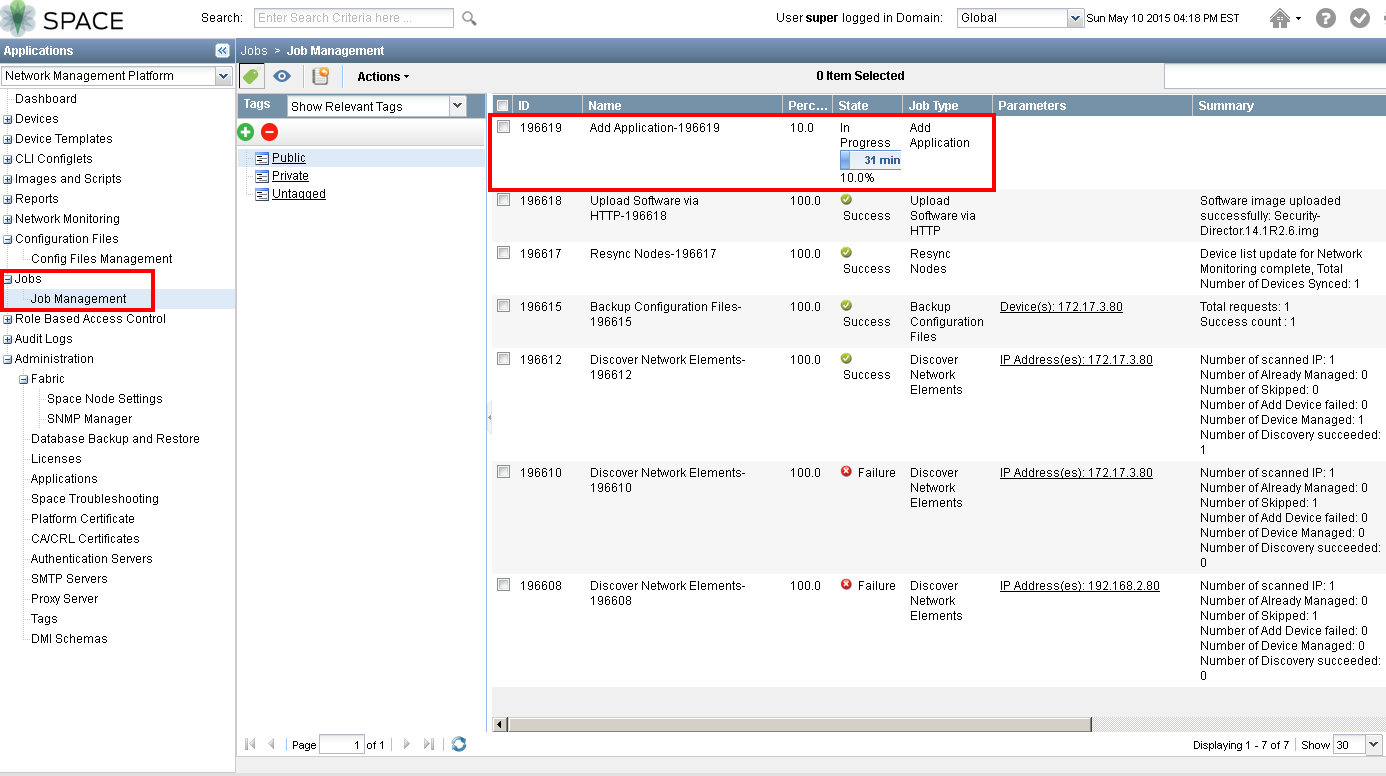
3. Check it from Jobs - Job Management

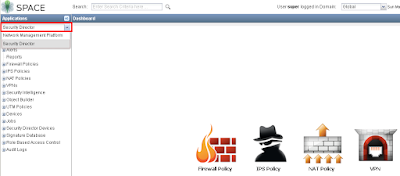
4. Security Director will be ready from top of Applications tab.

5. Manage vSRX Policy (to be continued)

5.1 Import vSRX policy
5.2 Change Policy
5.3 Publish and Update

 RSS Feed
