
This instruction is made to those new to JunOS Space and Security Director. The whole procedures are easy to understand with those screenshots and real example.
This is also the last one for my whole series of posts regarding JunOS Space


You also can check discovery status from Jobs -> Job Management menu to get more information regarding your discovery jobs.


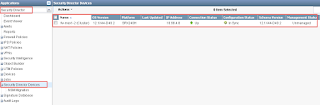
From Security Director Devices, you will find only one cluster listed.
 It will list all policies and let you decide which one you want to import.
In my case, there are three policies:
a. NAT policies
b. Firewall Policies
c. IPS Policies. This IPS Policies is not active for you to choose because IPS signature version is outdated.


 Note: for some reasons, it always took me install twice to get IPS Signature Database installed. First attempt always failed.
This is also the last one for my whole series of posts regarding JunOS Space
- Install JUNOS Space Virtual Appliance at ESXi 5.5
- Installation of Junos Space Security Director and Managing Juniper Firewall
- Juniper vSRX Firewall (Firefly Perimeter) installation in ESXi and Managed by JunOS Space
- Import Existing Juniper SRX Cluster into JunOS Space Security Director
1. Add both cluster member's fxp0.0 (mgmt interface) IP addresses into JunOS Space
Go to Network Management Platform -> Devices -> Discover Targets, click + icon to add IP address int Device Target
2. Add at least One Existing Cluster Login User Account
It has defined in your existing cluster configuration -> System -> login configuration
3. Execute Discover
If your JunOS Space has access to your cluster and account information is correct, you will get a chart to show how many devices discovered.
You also can check discovery status from Jobs -> Job Management menu to get more information regarding your discovery jobs.

4. Verify your Discovered Devices
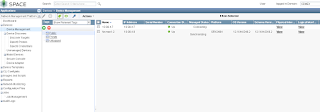
From Devices -> Device Management, you can check if devices has been discovered and if has been managed.

5. Start to Use Security Director
After both cluster member devices found from Device management place, you can change applications to Security Director.From Security Director Devices, you will find only one cluster listed.

6. Start to Import Configurations
From actions menu, you can import this cluster's configuration into JunOS Space Security Director.
In my case, there are three policies:
a. NAT policies
b. Firewall Policies
c. IPS Policies. This IPS Policies is not active for you to choose because IPS signature version is outdated.

7. Choose all you can selected and Importing them.

8. Verify the Policies Imported

9. Install New Signature Database into the cluster

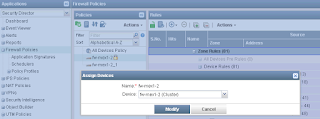
10. Assign policies to the device.
You will have to do this assign for Firewall Policies and NAT policies. No need to do it for IPS Policies.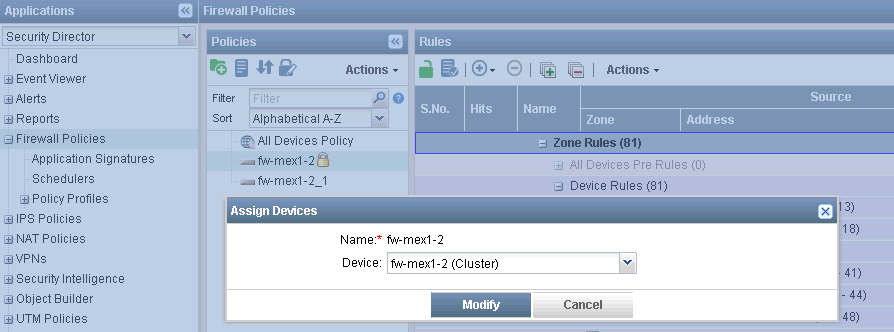

 RSS Feed
