
FortiCloud is a Cloud-based services for FortiGate and FortiWiFi products from Fortinet company. It is free for charge for at most 1GB data storage. It is quite interesting especially the remote access feature when I tried to use it. As long as your products managed by FortiCloud have Internet access, you are able to remote access into it.
Here are some FortiCloud Highlights based on its webpage:
This is FortiCloud main page:
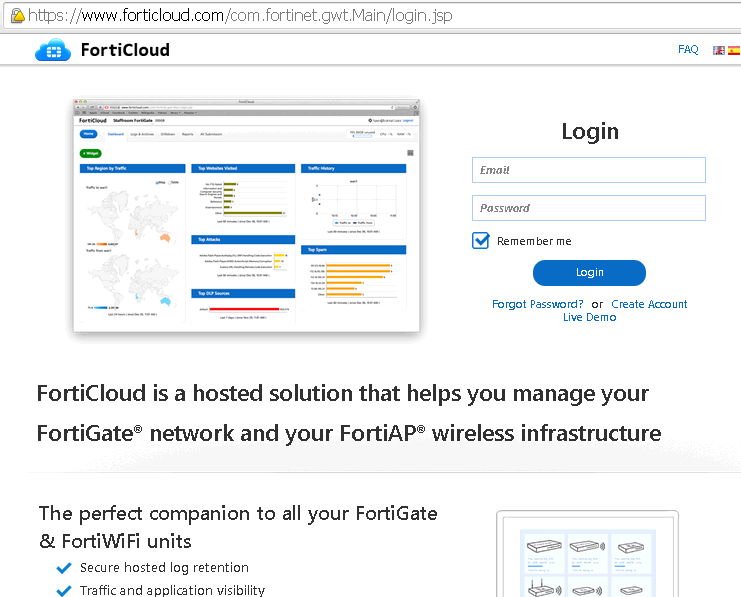 It is completely free to use, you can register your account even without owning Fortinet product. To register your products into FortiCloud, you can activate FortiCloud service from your device's management page.
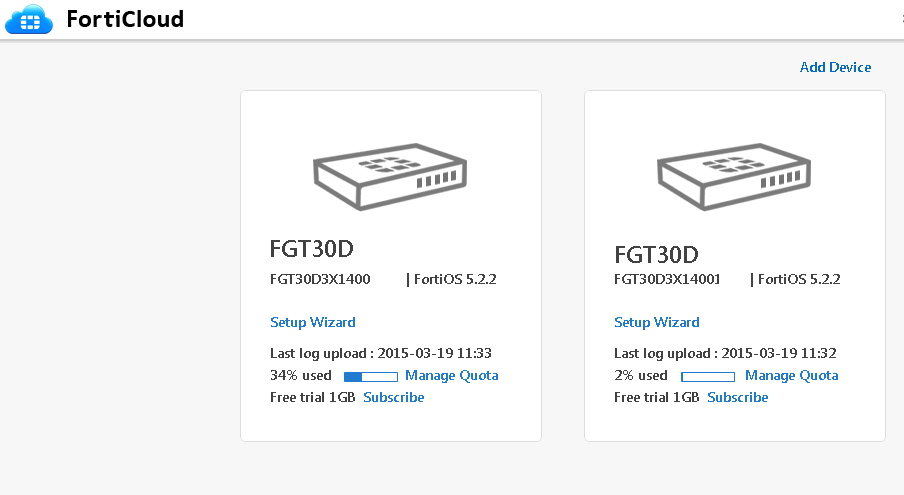
After activation, you can see the products from FortiCloud page, such as below screenshot. There are two Fortigate 30D products managed by this FortiCloud account. Both of them are having FortiOS 5.2.2 installed. there are Free 1GB storage space. If your business needs more for your devices, you could subscribe it from the home page.
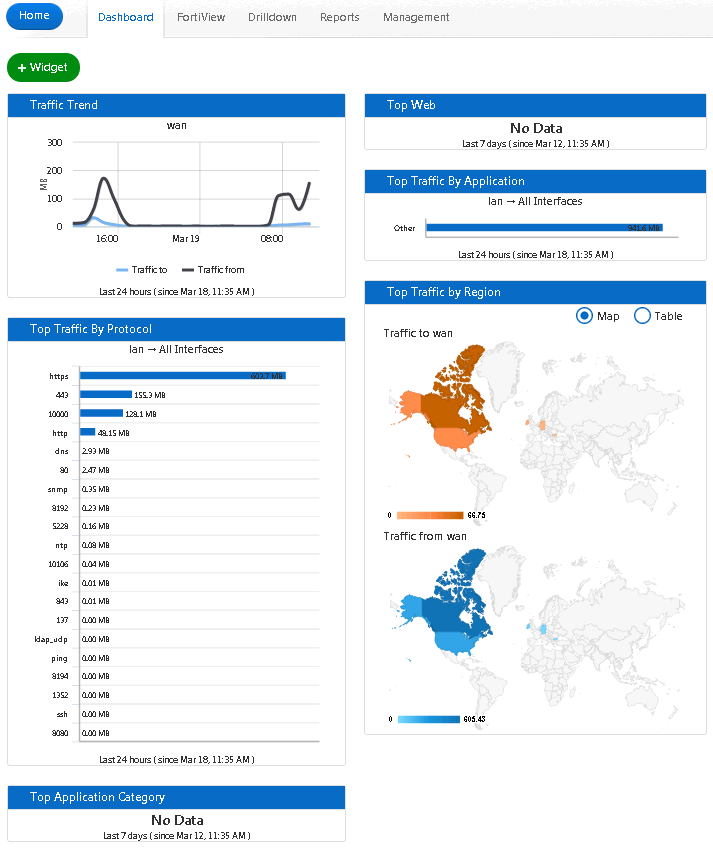
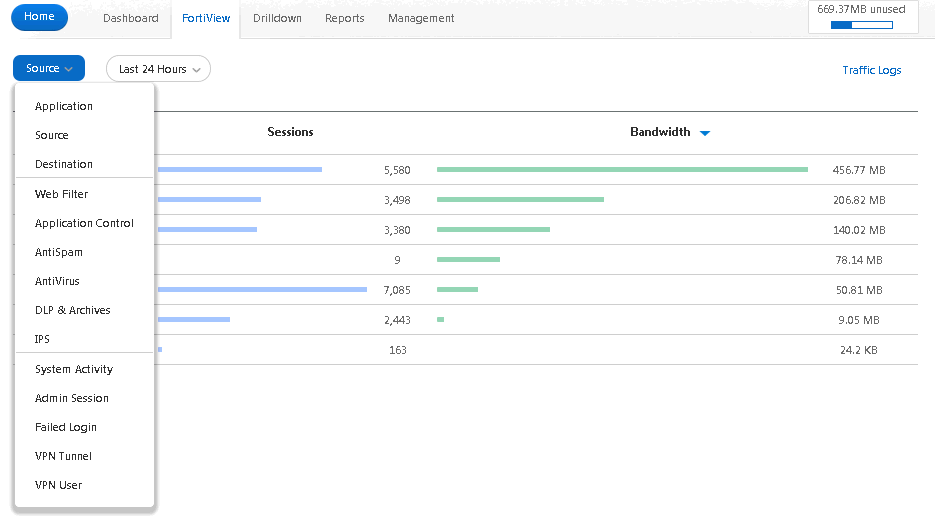
There are Dashboard, FortiView, Drilldown, Reports and Management tabs in the FortiCloud.
The most useful one is the Remote Access feature under the Management tab page. You can remote log into your devices https web management page through FortiCloud. It does not require any special configuration on your upstream router /firewall, as long as your device has Internet access, it can be remote accessed through FortiCloud.
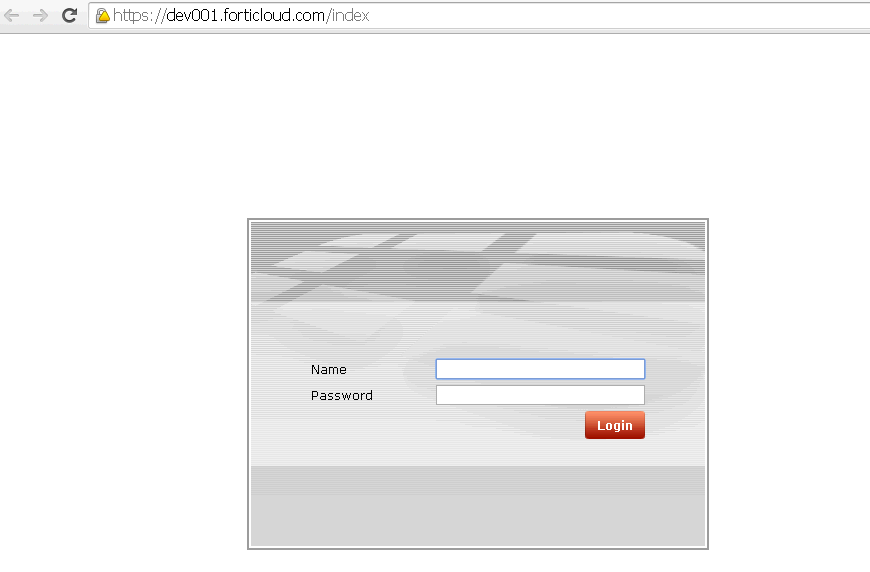
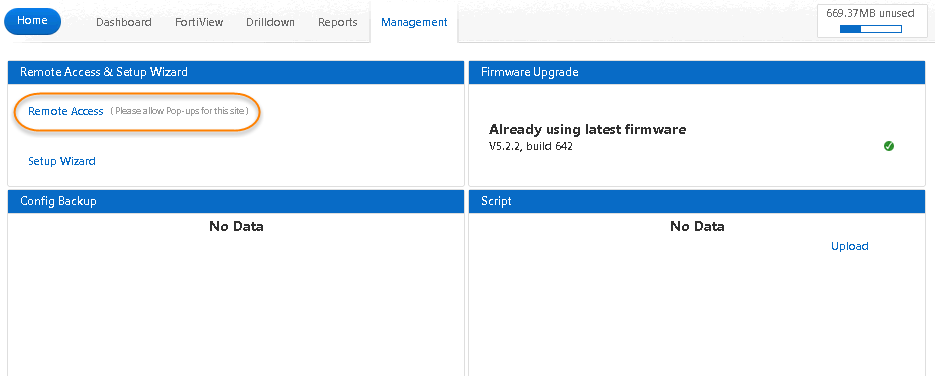 Below screenshot is Fortigate 30D https management page. It will be pop up after you clicked Remote Access link under Management tab page.
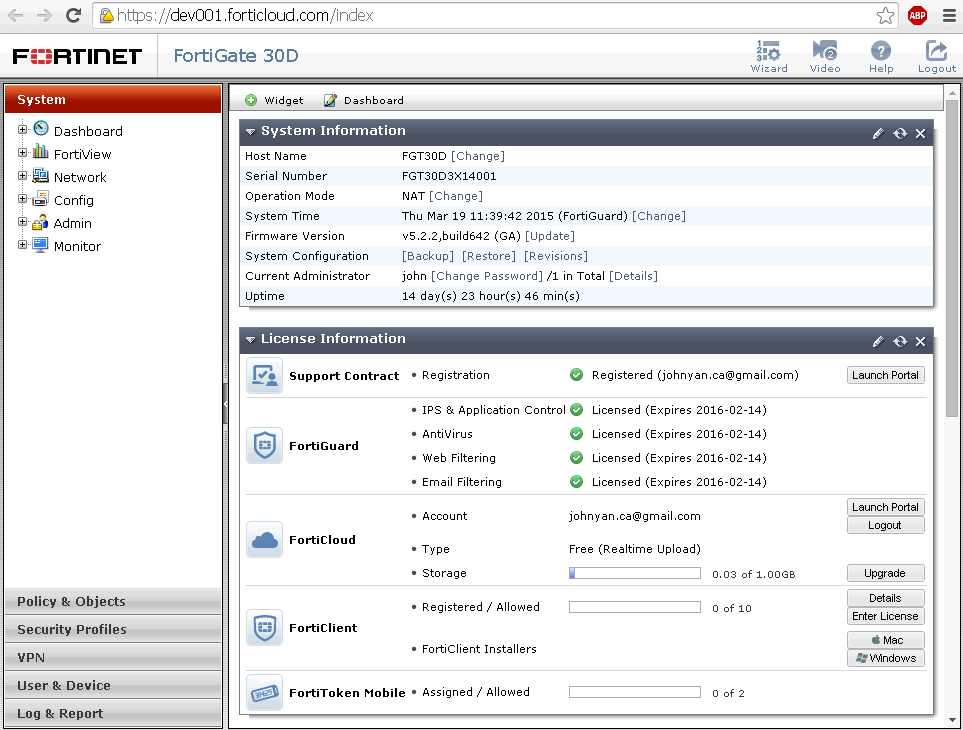
 You will see FortiGate 30D management page after loged in , just like you saw from Internal network. It wont need your upstream router / firewall to open https/http/ssh access to your device's WAN public ip address.
There is a small trick here. After you upgraded your FortiOS to 5.2.2 version, this function is broken. The device's management log in page won't show up. Only a blank page will show in a pop up window. To make it working, following special configuration has to be configured on your device first. Basically, it is because FortiCloud is not supporting https ssl version well. But by default FortiOS 5.2.2 has lock down for Poodle / Heartbeat vulnerability already. The solution is simple, just add support tsl v1.0, 1.1, and 1.2 back into FortiGate devcie. All should be working as expected.
Here are some FortiCloud Highlights based on its webpage:
- -Low touch device provisioning - Get your security and wireless infrastructure up and running quickly by centrally bootstrapping devices
- -Centralized configuration management - Change device settings across multiple devices instantly with profile-based templates
- -Traffic and application visibility - Oversee network utilization by leveraging built-in dashboards and FortiView's drill-down capabilities
- -Secure, hosted log retention - Minimize IT costs by storing log data in the cloud
- -Cloud-based APT sandboxing - Leverage threat research from FortiGuard to prevent the latest zero-day attacks from affecting your network
- -Rogue AP detection - Prevent attackers from circumventing your wireless network with the introduction of rogue APs
- -Custom and preconfigured reporting - Proactively optimize and secure your network by leveraging reporting insights to maintain an optimized security posture
This is FortiCloud main page:
After activation, you can see the products from FortiCloud page, such as below screenshot. There are two Fortigate 30D products managed by this FortiCloud account. Both of them are having FortiOS 5.2.2 installed. there are Free 1GB storage space. If your business needs more for your devices, you could subscribe it from the home page.
There are Dashboard, FortiView, Drilldown, Reports and Management tabs in the FortiCloud.
- Dashboard tab page:
- FortiView tab page:
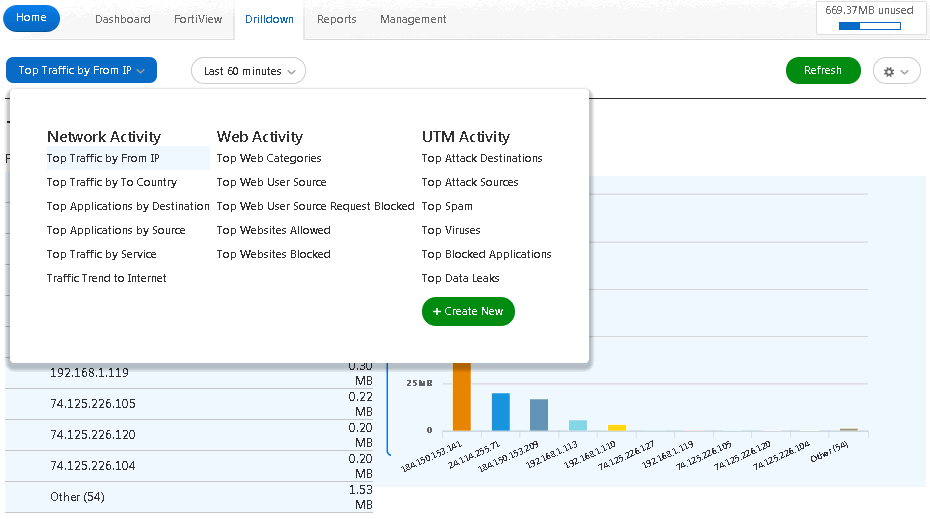
- Drilldown tab page:
The most useful one is the Remote Access feature under the Management tab page. You can remote log into your devices https web management page through FortiCloud. It does not require any special configuration on your upstream router /firewall, as long as your device has Internet access, it can be remote accessed through FortiCloud.
There is a small trick here. After you upgraded your FortiOS to 5.2.2 version, this function is broken. The device's management log in page won't show up. Only a blank page will show in a pop up window. To make it working, following special configuration has to be configured on your device first. Basically, it is because FortiCloud is not supporting https ssl version well. But by default FortiOS 5.2.2 has lock down for Poodle / Heartbeat vulnerability already. The solution is simple, just add support tsl v1.0, 1.1, and 1.2 back into FortiGate devcie. All should be working as expected.
config system global
set admin-https-ssl-versions tlsv1-0 tlsv1-1 tlsv1-2
end
FGT30D (global) # show
config system global
set admin-https-ssl-versions tlsv1-0 tlsv1-1 tlsv1-2
set fgd-alert-subscription advisory latest-threat
set gui-dlp enable
set gui-ips enable
set gui-spamfilter enable
set hostname "FGT30D"
set timezone 12
end

 RSS Feed
