
Enable Win10 Home RDP (Terminal Service) Feature
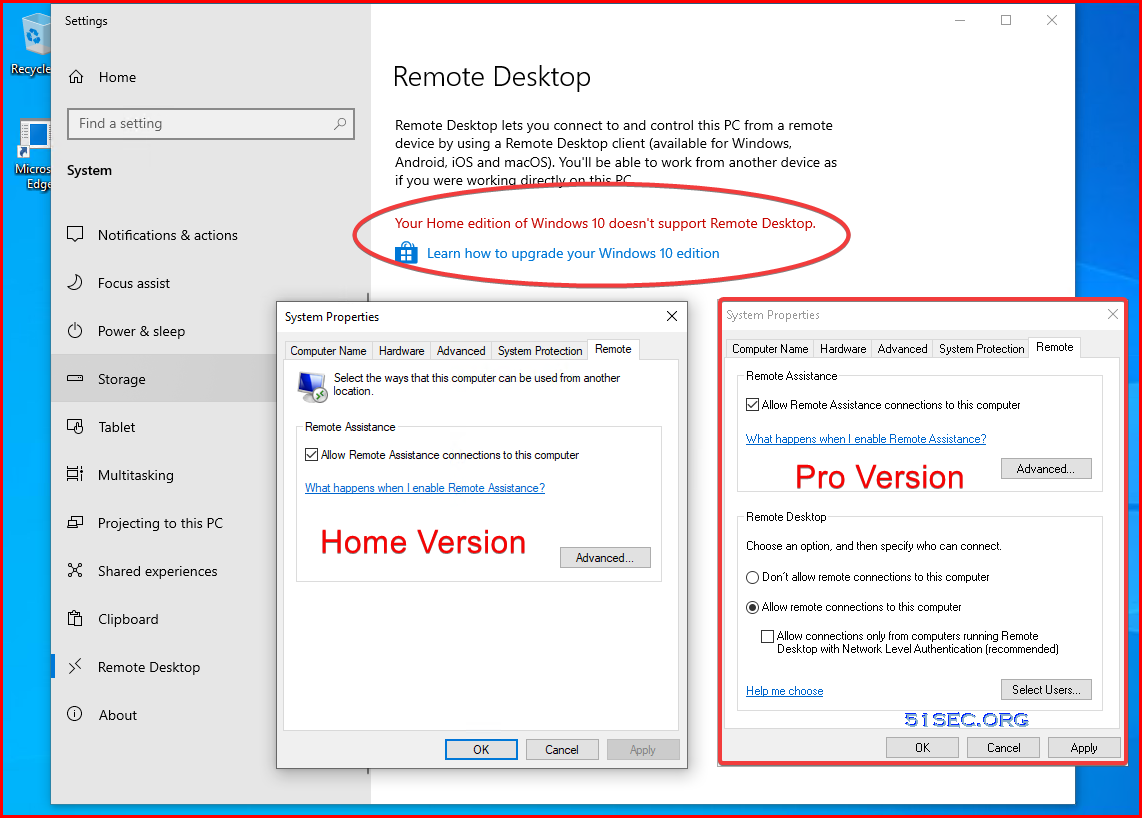
Different editions of the Windows operating system have varying feature sets and properties. An example of an important difference between Windows 10 Professional and Home editions is the Remote Desktop feature. When using the Home version of the operating system, you cannot use Remote Desktop. This can cause problems for employees attempting to work remotely with machines running Windows 10 Home editions.
In this post I am going to show you a Github project as a workaround for this problem that will enable Remote Desktop function in Windows 10 Home edition so you can connect it from other PCs.
Original Github : https://github.com/stascorp/rdpwrap - not updaed since 2018.
A new updated version for ini file : https://kutt.appinn.net/fUYnHB - still updating ini file which make this method still working well.
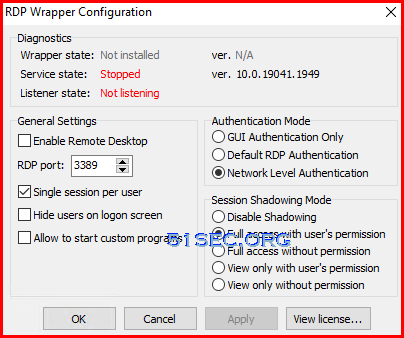
If you run RDPCONF.EXE t check terminal service status, you will find out remote desktop not enabled, no service and no listener.
via Blogger http://blog.51sec.org/2022/11/enable-win10-home-rdp-terminal-service.html
November 03, 2022 at 04:42PM Windows
Different editions of the Windows operating system have varying feature sets and properties. An example of an important difference between Windows 10 Professional and Home editions is the Remote Desktop feature. When using the Home version of the operating system, you cannot use Remote Desktop. This can cause problems for employees attempting to work remotely with machines running Windows 10 Home editions.
In this post I am going to show you a Github project as a workaround for this problem that will enable Remote Desktop function in Windows 10 Home edition so you can connect it from other PCs.
Introduction
RDP Wrapper works as a layer between Service Control Manager and Terminal Services, so the original termsrv.dll file remains untouched. Also this method is very strong against Windows Update.Each Windows Update, you will need to have latest updated ini file to be updated to get it working for new version of Windows.Original Github : https://github.com/stascorp/rdpwrap - not updaed since 2018.
A new updated version for ini file : https://kutt.appinn.net/fUYnHB - still updating ini file which make this method still working well.
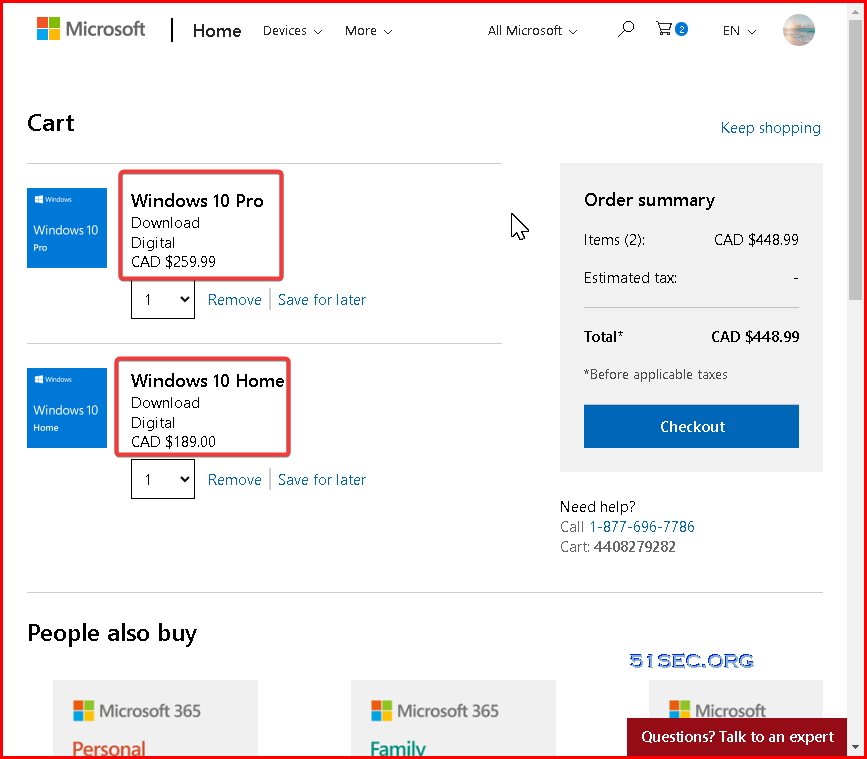
It is CAD $70 difference between Pro version and Home version.
- Win10 Pro: CAD $259.99
- Win10 Home: CAD $189.00
RDP function disabled from Home version although the necessary services and files are still residing in the home version system. Microsoft made this choice because these services and the functionality they provide are essential for support activities and may be necessary when using third-party software. Even after you install the RDPwrap software and enabled the RDP service, Windows 10 will still indicate that you cannot use Remote Desktop from your computer.
Warning: When Remote Desktop Connections are enabled, there is always the possibility that the service will be used by unauthorized individuals to compromise a computer system, especially for Windows Home Version system. All it takes are some stolen login credentials to allow hackers entry into your home computer.RDPwrap software subverts Windows 10 Home security to enable Remote Desktop Connections. While this is a less expensive alternative than upgrading from Windows 10 Home to Windows 10 Professional, it does open a potential vulnerability to the Wndows Home version operating system.
Steps
If you read all above warning and still decided to save CAD$70 to enable RDP, here are steps you will need:
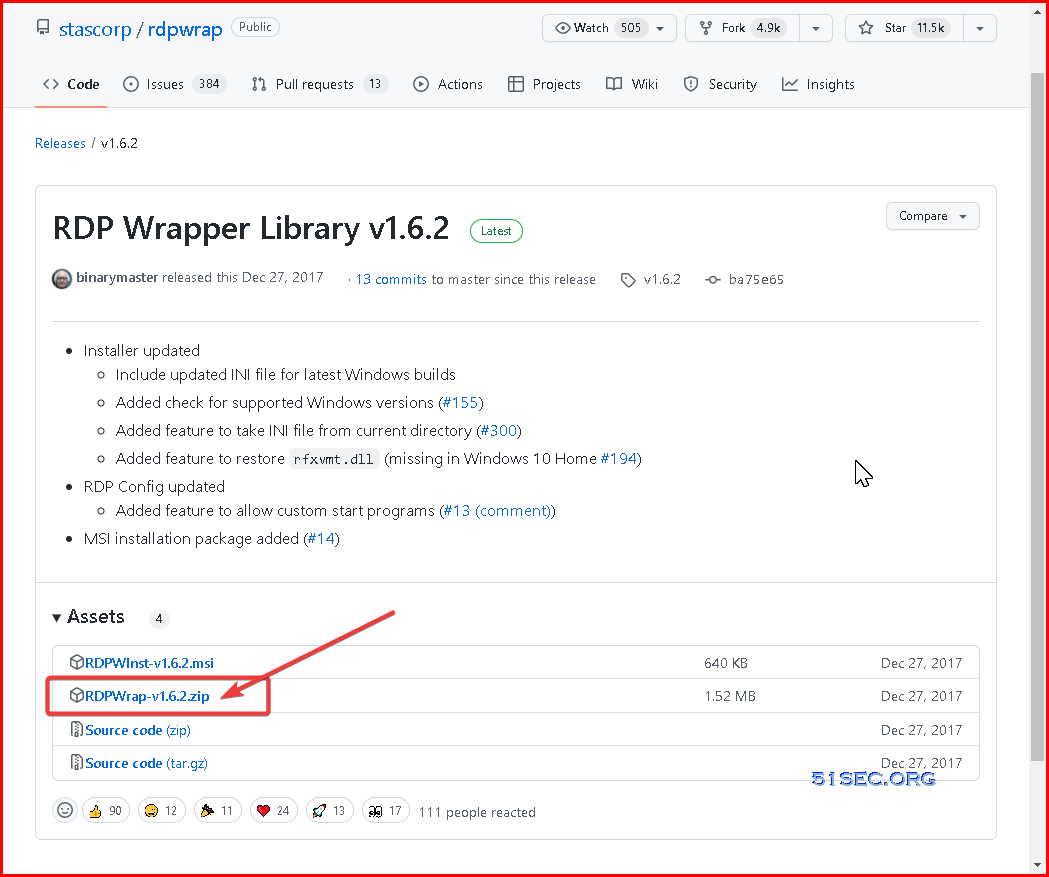
1 Download the latest RDP Wrapper library from Github zip file.
msi installation file is not work properly anymore with new version of Windows 10.
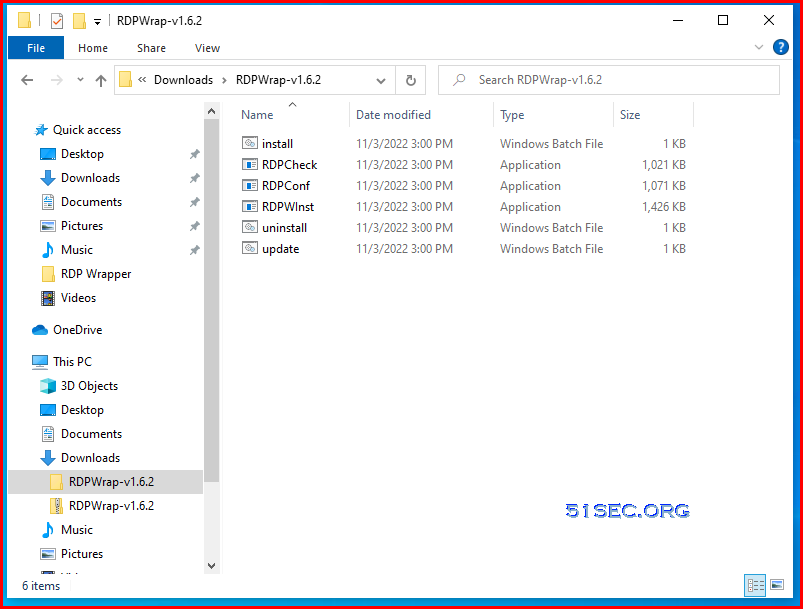
2 Extract the zip then run the installation file (install.bat) to install the RDPwrap software. This software provides the necessary functionality to enable Remote Desktop from a Windows 10 Home system.
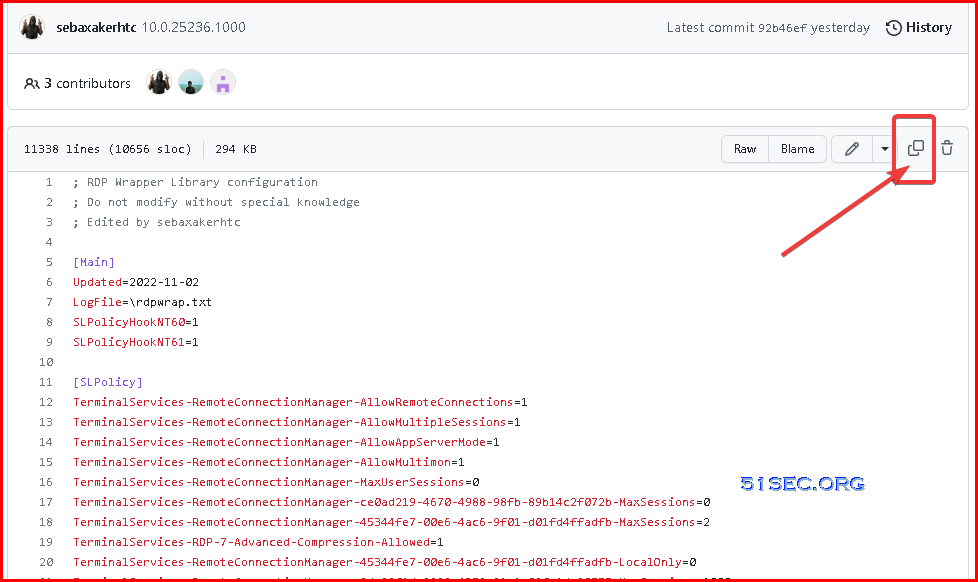
3 Get ini file or copy ini file content from /rdpwrap.ini
4 Copy new ini file content into existing ini file
Run Powershell or CMD from administrator account, then edit rdpwrap.ini file from "c:\program files\rdp wrapper" folder.
After pasted into new ini content, restart the termserviec using net stop / start command
PS C:\Program Files\RDP Wrapper> notepad .\rdpwrap.ini
PS C:\Program Files\RDP Wrapper> net stop termservice
The Remote Desktop Services service is stopping.
The Remote Desktop Services service was stopped successfully.

PS C:\Program Files\RDP Wrapper> net start termservice
The Remote Desktop Services service is starting.
The Remote Desktop Services service was started successfully.
Result
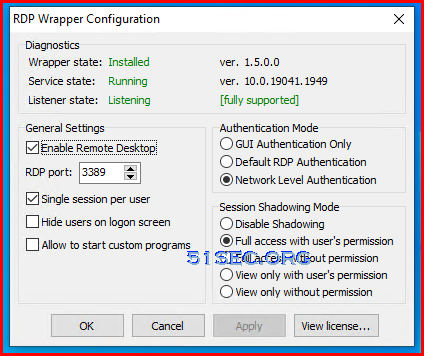
Run RDPCONF.EXE file to check the configuration, you will find out service is running, listerner is running and the RDP version is fully supported.
Videos
References
via Blogger http://blog.51sec.org/2022/11/enable-win10-home-rdp-terminal-service.html
November 03, 2022 at 04:42PM Windows

 RSS Feed
