
No matter who you are, whether newbie or veteran, your Windows system will eventually run into problems that aren't so easy to diagnose. (It happens on other operating systems too.) When that happens, what do you do? You could hire somebody to troubleshoot the problem for you, but that should be a last resort. There's no need to pay someone when you can easily figure out the problem on your own using a checklist to regularly checking your system.
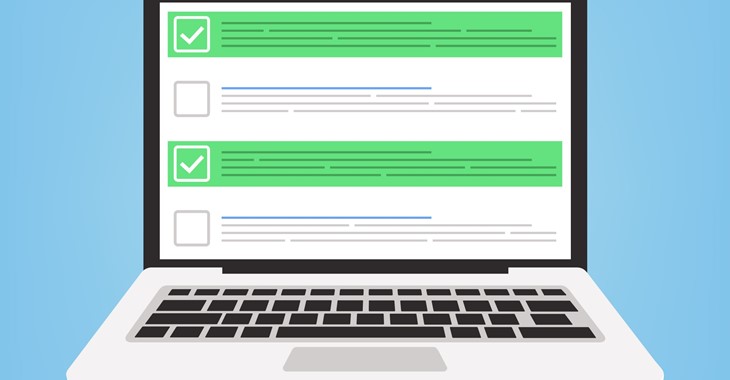
You can help keep your computer secure by following this checklist below. This is not a comprehensive list, or will it help computers that are already infected with malware (viruses or spyware) or are otherwise unstable.
ACCOUNT SAFETY
Ensure account safety as follows:
· Set the Primary user account to be a limited account for daily use to reduce the impact of any malware or viruses.
· Setup a Visitor user account with limited access if one doesn’t already exist. This account should be used by family and friends rather than the primary user’s account.
· Setup a Maintenance user account with admin rights for system updates and maintenance.
ANTIVIRUS CHECK
Ensure antivirus prevention is in place. We recommend Symantec, Windows Defender, Avast and MalwareBytes Internet security software. However, we’ll work with whatever you currently have.
· Make sure antivirus software is up-to-date and working.
· Run a full system scan.
· For offices using Avast, check the group account to make sure everything is reported as running smoothly on all systems. If this isn’t setup already, a group account will be setup.
MALWARE SCAN
· Scan with MalwareBytes
· Scan with Spybot Search and Destroy
· Check for browser hijacks, malicious plugins, or bad add-ons
SOFTWARE UPDATES
· Adobe Reader
· Adobe Flash
· Java
· Firefox
· Chrome
· Use the Avast software version check to ensure no other programs need updating.
· Update remote support software client as needed.
SYSTEM HEALTH
· Check available free drive space.
· Run Windows updates
· Run Microsoft updates
· Check recently installed programs for suspicious items
· Remove any unnecessary software
· Use Clean My PC if needed to remove stubborn programs.
· Use CCleaner to remove old files and settings no longer used.
SYSTEM HARDWARE PERFORMANCE
· Run a performance test using the Windows System Assessment Tool or similar utility (winsat formal)
· Check current memory installed
· Check the maximum memory upgrade possible
· Check current system configuration (processor, RAM, and other hardware)
· Check current BIOS and upgrade if new version exists
SYSTEM BACKUP
· Check backup to make sure it’s running
· Note free / used space on back up drive
· Note how far back the back up files go
· Attempt to recover a few files from the backup to ensure the system is working.
INTERNET SPEED
· Test Internet speed to make sure the service being paid for is being delivered.
· There can be a perception of slow Internet speed if the browser cache hasn’t been emptied in quite a while. So, emptying the cache every month can be helpful.
NETWORK SECURITY
· Run a network security check. – Nessus
SUPPLY LEVELS
· Check printer ink/toner levels
· Check wireless signal
· Check UPS
· Check system uptime
via Blogger https://ift.tt/353xF4J
November 06, 2020 at 08:31AM Security, System

 RSS Feed
