
 The Check Point 600 Appliance is a single, integrated device offering firewall, VPN, IPS, antivirus, application visibility and control, and URL filtering and email security, all in a quiet, compact desktop form factor. This post is presenting a basic set up process for Check Point 640 Wireless ADSL+ Model.
Check Point's 640 Appliance is designed to be plug and play, and very affordable. Currently on CheckPoint Website, sale price for one 640 Wireless ADSL+ Model is US $951 .
 Actually all 600 models (620, 640 and 680) use the same compact, fanless desktop chassis and are licensed for different through puts. The 620 has Check Point's full next-generation threat prevention (NGTP) package, and is good for ten users, while the 680 can serve up to 50. The model 640 which is testing in this post can handle up to 25 users.
Eight Gigabit ports handle LAN duties, with two more for WAN and DMZ functions. The appliances all come with an integral 802.11bgn wireless AP and ADSL2+ modem, each of which can be enabled by applying a licence.
It can be configured easily through browser based web interface in a couple minutes through first-time set-up wizard. It supports Next Generation Threat Prevention software blades which has better protection than Next Generation Firewall.
| Software Blade |
NGFW
|
NGTP
|
|---|---|---|
| Firewall |
✔
|
✔
|
| Identity Awareness |
✔
|
✔
|
| IPSec VPN |
✔
|
✔
|
| Advanced Networking & Clustering |
✔
|
✔
|
| Mobile Access1 |
✔
|
✔
|
| IPS |
*
|
✔
|
| Application Control |
*
|
✔
|
| URL Filtering |
*
|
✔
|
| Antivirus |
*
|
✔
|
| Anti-Spam & Email Security |
*
|
✔
|
| Anti-Bot |
*
|
✔
|
| NGFW = Next Generation Firewall; NGTP = Next Generation Threat Prevention | ||
Configuration Steps:
1. Open the browser and pointed to the gateway ip found from your network card dhcp information.
It will automatically loading the First Time Configuration Wizard:

2. Authentication Details.
In this page wizard will ask you to change your admin username and password.
3. Appliance Date and Time Settings:
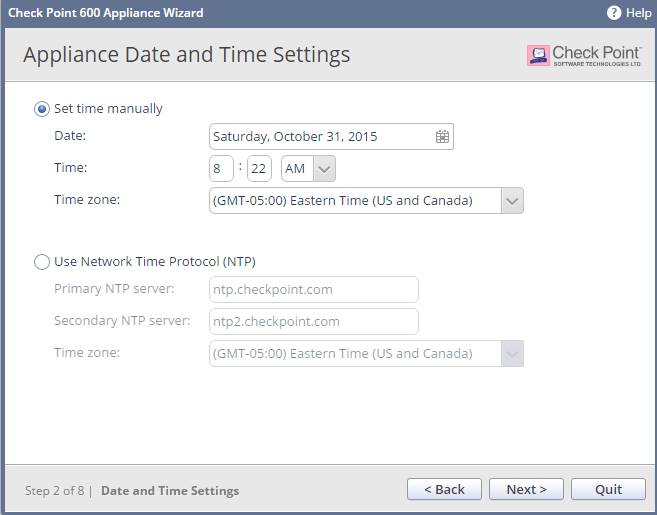
4. Appliance Name
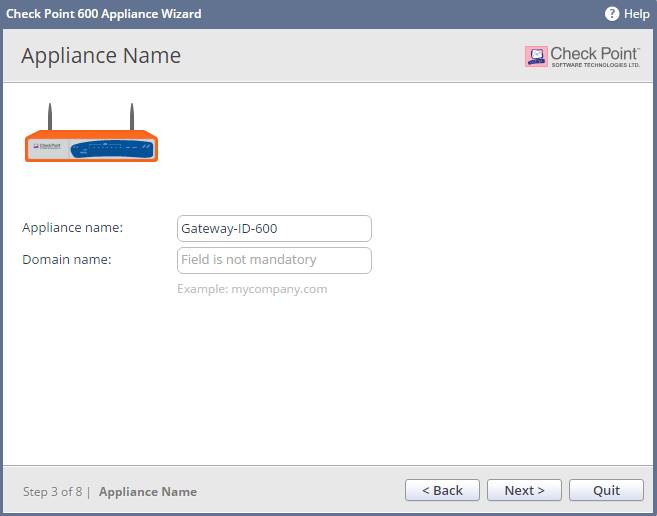
5. Configure Internet Connection
It can be configured later if you are not sure your Internet link. It supports DCHP, Static IP, PPPoE, PPTP, L2TP and Bridge. Also if you have multiple Internet Connection, it supports High Availability and Load Balancing.

6. Local Network
There are eight LAN ports. Each one can be assigned to different vlan or group some of them into one vlan.

7. Wireless Network
The wireless network can be separated from your Local Network to provide more security to your local servers. It also can be used as guest Hotspot network to provide convenience and security to your guests.

8. Administrator Access
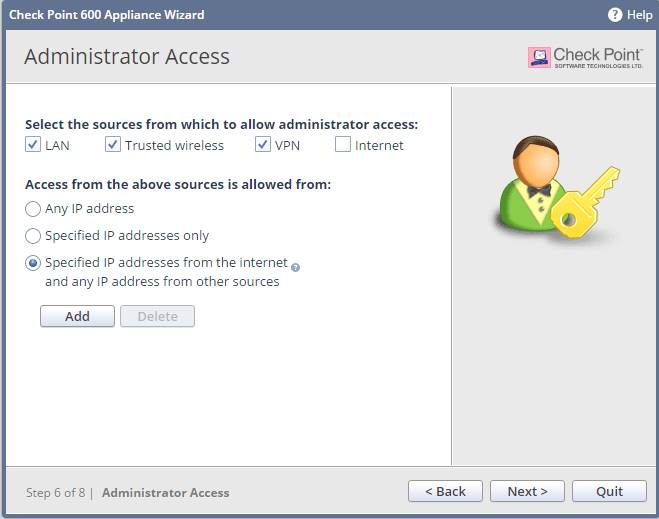
9. Appliance Registration
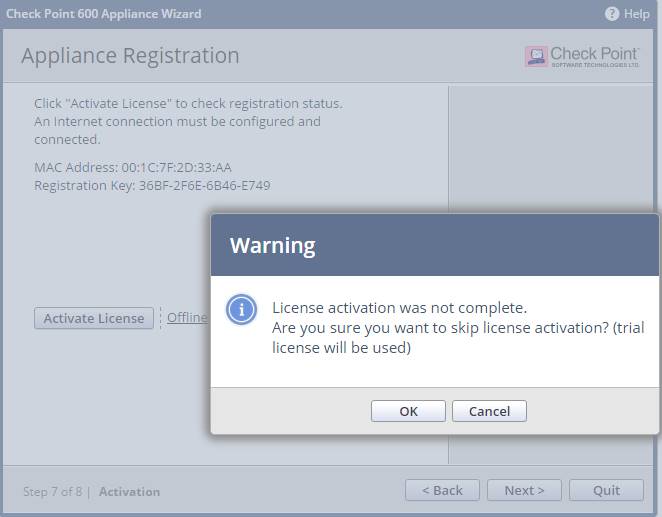
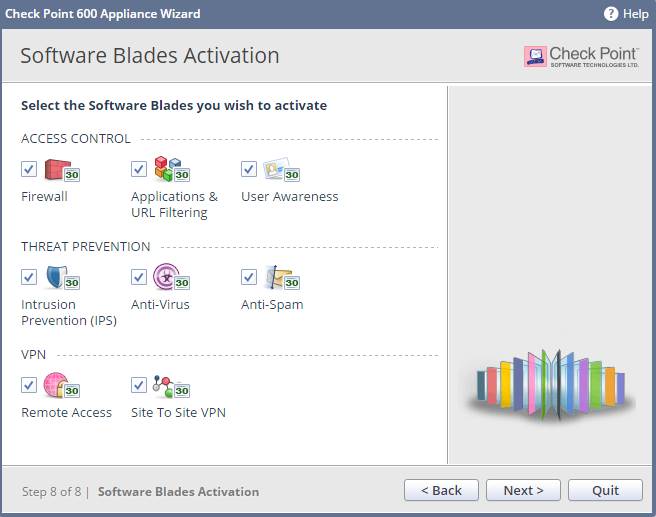
10. Software Blades Activation
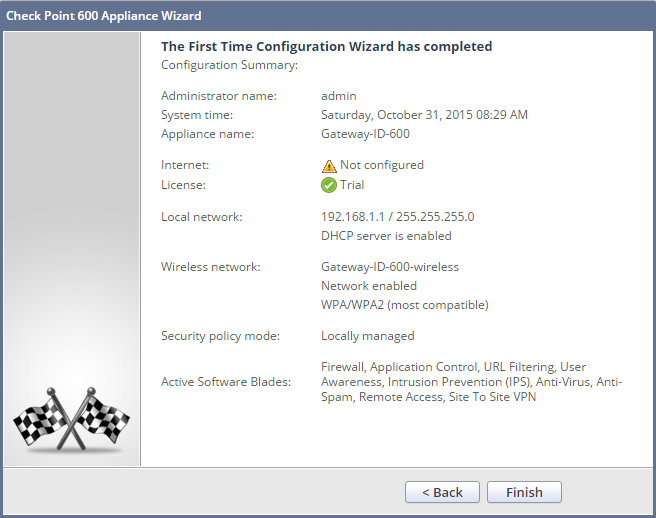
11. Log into https://192.168.2.1:4434, which is Appliance LAN ip address.


Performance Test:
1. Wireless Performance Test with all software blades enabled.
Quite disappointed result, the speed is only 116KB/s

2. Turned off all blades.

Wireless file transferring performance test again, much better 1.98MB/s:

3. Wired port file transferring:
I got more than 42MB/s result with wired port connection.


 RSS Feed
